
Best Proxies for Windows PCs in 2026


 7 min. read
  Updated on

If you use Windows and need a reliable proxy for privacy, bypassing geo-blocks, web scraping, or managing multiple accounts, this guide covers the top options in 2025.
You’ll see what each provider offers, their strengths, limitations, and how to configure them on Windows.
Table of contents
- Best Proxy Services for Windows
- Decodo (Smartproxy) – Large IP Pool and Easy Setup
- Oxylabs – Enterprise-Grade Reliability and Precise Geo Targeting
- Webshare – Affordable Proxies With Global Coverage
- IPRoyal – Budget-Friendly Residential Proxies
- Privoxy – Free Open-Source Filtering Proxy
- WinGate – Full Network Control and Caching on Windows
- Best Proxies for Windows: Summary
- Conclusion
Best Proxy Services for Windows
Decodo (Smartproxy) – Large IP Pool and Easy Setup
| IP Pool | 125M+ IPs, 195+ countries |
| Protocols | HTTP, HTTPS, SOCKS5 |
| Session Types | Sticky & Rotating |
| Uptime | 99.99% |
| Pricing | Scales with volume |
Decodo (previously Smartproxy) gives access to more than 125 million IPs across 195+ countries. It supports residential, datacenter, and mobile proxies, along with sticky and rotating sessions. Uptime is close to 99.99%, and setup is straightforward with a dashboard, browser tools, and full documentation.
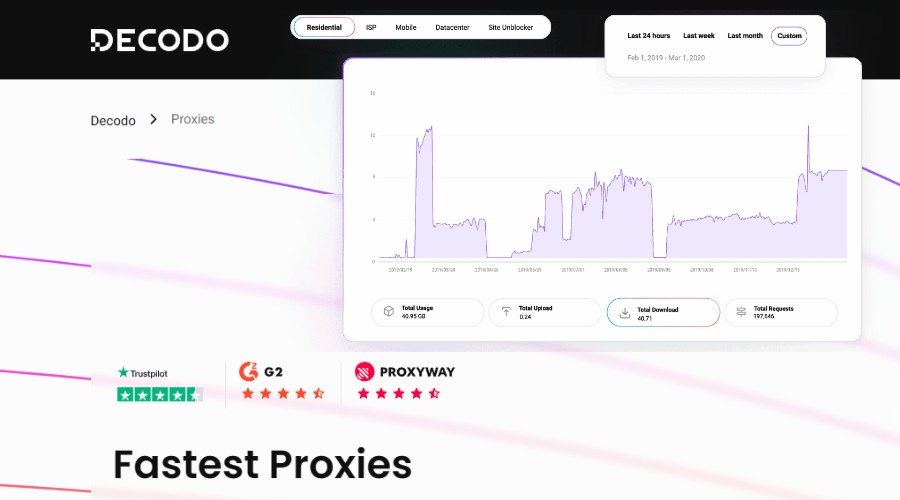
For Windows users, the many server locations make it easier to reduce latency. Extensions and proxy-testing tools simplify configuration, while advanced session control allows flexible use cases from scraping to account management. This can be particularly handy if you want to configure a proxy for Chrome or another browser on Windows.
Costs can be higher for light users, but volume plans offer good value. To avoid leaks, use a proxy manager to route non-browser apps, and always test for DNS and WebRTC exposure.
Pros 👍
- Very large IP pool with global coverage
- Easy to configure with tools and guides
- Strong reliability and support
Cons ⚠️
- Higher cost for small users
- Must use proxy manager for non-browser apps

Decodo
Get Started: Test Decodo with a small Windows setup today.Oxylabs – Enterprise-Grade Reliability and Precise Geo Targeting
| IP Pool | 175M+ residential, datacenter options |
| Protocols | HTTP, HTTPS, SOCKS5 |
| Session Types | Sticky & Rotating |
| Geo Targeting | Country, city, ASN, ZIP |
| Pricing | Premium enterprise-focused |
Oxylabs runs one of the largest proxy networks with over 175 million residential IPs plus datacenter options. It allows precise targeting by country, city, ASN, or ZIP code, and offers both sticky and rotating sessions.
Windows setup is well documented, with guides for both Windows 10 and 11. Users benefit from stable connections, strong filtering, and detailed metrics in the dashboard. This makes it an excellent fit for demanding tasks like enterprise data collection or long-running automation. It’s also one of the strongest options if you need a proxy for Iran or other harder-to-reach regions.
The premium pricing reflects its quality. Small users may find it expensive, but for businesses or professionals, the reliability justifies the cost. Use rotating proxies responsibly and authenticate sessions correctly to avoid issues.
Pros 👍
- Highly reliable and stable network
- Precise geo-targeting options
- Comprehensive documentation and support
Cons ⚠️
- Premium pricing not suitable for light users
- Needs careful setup to avoid request blocks

Oxylabs
Get Started: Configure Oxylabs on Windows and test enterprise features.Webshare – Affordable Proxies With Global Coverage
| Proxy Types | Rotating & Static Residential, Shared, Dedicated |
| Protocols | HTTP, SOCKS5 |
| Coverage | ~200 countries |
| Pricing | Transparent, competitive |
| Support | Email-based |
Webshare provides rotating and static residential proxies, as well as shared, private, and dedicated options. Its coverage spans almost 200 countries, and pricing is transparent and competitive.
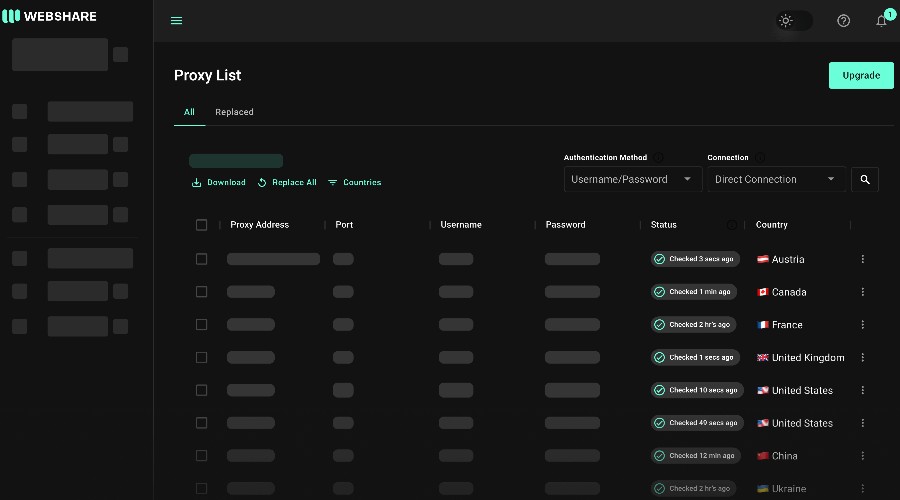
On Windows, Webshare is suitable for users who want affordable access to streaming, geo-blocked sites, or light scraping tasks. It supports HTTP and SOCKS5 protocols, and the dashboard offers analytics for monitoring bandwidth and connections. This can even be a good pick if you’re looking for the best proxy for Edge browser.
Shared proxies can sometimes suffer from inconsistent performance, so dedicated plans are preferable if stability is crucial. Support is adequate but less extensive compared to enterprise providers.
Pros 👍
- Affordable entry-level pricing
- Wide geographic coverage
- Simple dashboard with analytics
Cons ⚠️
- Shared proxies may suffer speed drops
- Limited customer support options

Webshare
Get Started: Try Webshare’s affordable plan on your Windows PC.IPRoyal – Budget-Friendly Residential Proxies
| Proxy Types | Residential (Sticky & Rotating) |
| Protocols | HTTP, HTTPS, SOCKS5 |
| Geo Targeting | City/State in many regions |
| Pricing | Low-cost entry |
| Use Cases | Testing, light automation |
IPRoyal offers affordable residential proxies with both sticky and rotating options. Users can target by city or state in many regions, and it supports HTTP(S) and SOCKS5 protocols.

For Windows users, this makes IPRoyal a practical entry-level choice. It works well for testing setups, small automation projects, or moderate scraping. The plans are straightforward, without heavy upfront costs. Students also find it handy alongside guides like the best proxy for school, especially when bypassing network restrictions.
Performance can vary between regions, so testing is important before scaling up. Watch bandwidth limits closely if your workload grows, as costs can add up.
Pros 👍
- Very budget-friendly
- Supports multiple proxy protocols
- Flexible session modes
Cons ⚠️
- Regional performance inconsistency
- Bandwidth limits can raise costs

IPRoyal
Get Started: Test IPRoyal with a small Windows project first.Privoxy – Free Open-Source Filtering Proxy
| Cost | Free, open-source |
| Function | Filtering, ad-blocking, header modification |
| Platform | Works on Windows |
| Strength | Lightweight, customizable |
| Limitation | No IP masking |
Privoxy is a lightweight, open-source proxy that filters web content, blocks ads, and modifies HTTP headers. It runs on Windows but does not mask your IP address by itself, so it’s best used in combination with another proxy service.
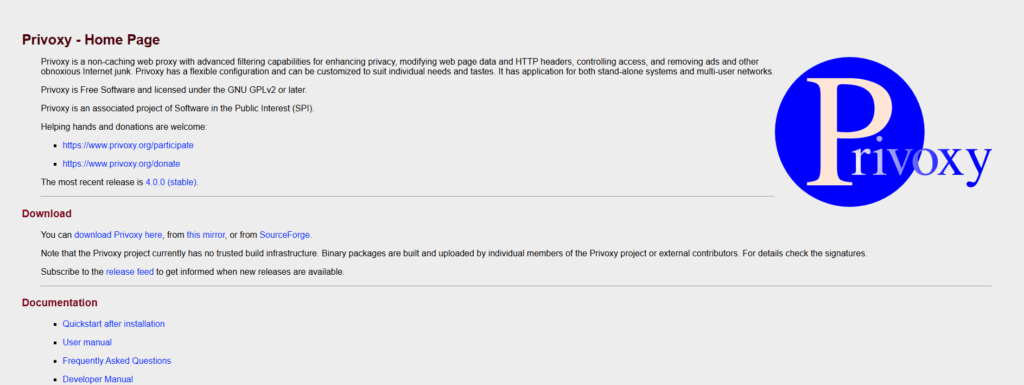
It is ideal for privacy-conscious users who want granular control over browsing. Configuration is manual, requiring rule editing, but once set up it can significantly reduce tracking and unwanted content. Many even combine it with dedicated setups for apps like proxy for Telegram to improve privacy while messaging.
Since it isn’t designed for speed or high-traffic tasks, Privoxy is best as an additional layer in a proxy chain rather than a standalone solution.
Pros 👍
- Free and open-source
- Great for ad and tracker blocking
- Lightweight and configurable
Cons ⚠️
- No IP masking alone
- Manual configuration required
- Not suitable for heavy tasks
Get Started: Pair Privoxy with another proxy for privacy filtering.
WinGate – Full Network Control and Caching on Windows
| Type | Software-based proxy & gateway |
| Protocols | HTTP, SOCKS, more |
| Functions | Filtering, caching, logging |
| Best Use | Multi-device network control |
| Cost | License-based |
WinGate is software that turns your Windows computer into a proxy and gateway for your network. It allows you to route, log, and filter traffic from multiple devices, and even cache frequently accessed content to improve speed.
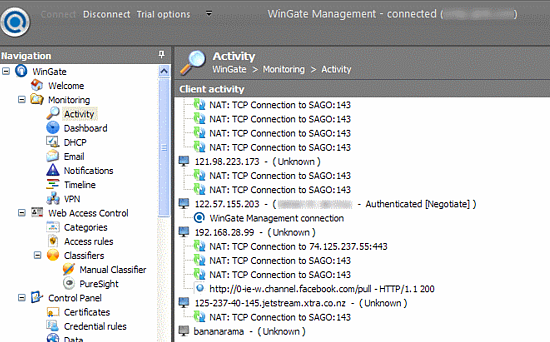
For home or office networks, WinGate offers strong control and flexibility. You can set rules for access, inspect HTTPS traffic with proper certificate management, and monitor activity across devices. It’s also useful in educational setups, much like when configuring a proxy for a school Chromebook, but at a larger network level.
It requires more technical setup than cloud providers, and performance depends heavily on your hardware. While it’s not a tool for anonymity, it’s highly effective for network administration and control.
Pros 👍
- Full control over local network traffic
- Can cache and speed up repeated content
- Useful for office or multi-device setups
Cons ⚠️
- Requires technical knowledge to configure
- Performance tied to hardware resources
- Not for anonymity or bypassing geo-blocks
Get Started: Use WinGate to manage traffic across Windows networks.
Best Proxies for Windows: Summary
| Provider | Strongest Feature | Best For | Protocols |
|---|---|---|---|
| Decodo (Smartproxy) | Large IP pool, easy setup | Scraping, geo access, accounts | HTTP, HTTPS, SOCKS5 |
| Oxylabs | Enterprise reliability, targeting | High-volume, automation | HTTP, HTTPS, SOCKS5 |
| Webshare | Affordable global coverage | Streaming, moderate tasks | HTTP, SOCKS5 |
| IPRoyal | Budget residential proxies | Entry-level projects | HTTP, HTTPS, SOCKS5 |
| Privoxy | Free content filtering | Ad/tracker blocking | HTTP (filter only) |
| WinGate | Network-wide control | Office or multi-device | HTTP, SOCKS, more |
Conclusion
For Windows users in 2025, Decodo and Oxylabs are the most powerful choices for reliability and scale. Webshare strikes a balance of affordability and coverage, while IPRoyal is ideal for budget-conscious testing. Privoxy and WinGate serve niche needs: privacy filtering and network control.
Start with a small plan, test latency and leak protection on your Windows PC, and expand once you confirm consistent results for your use case.


Read our disclosure page to find out how can you help VPNCentral sustain the editorial team Read more


Improve this guide




User forum
0 messages