
Best VPN for Jellyfin in 2026: Secure, Fast, and Remote Access Anywhere


 8 min. read
  Published on
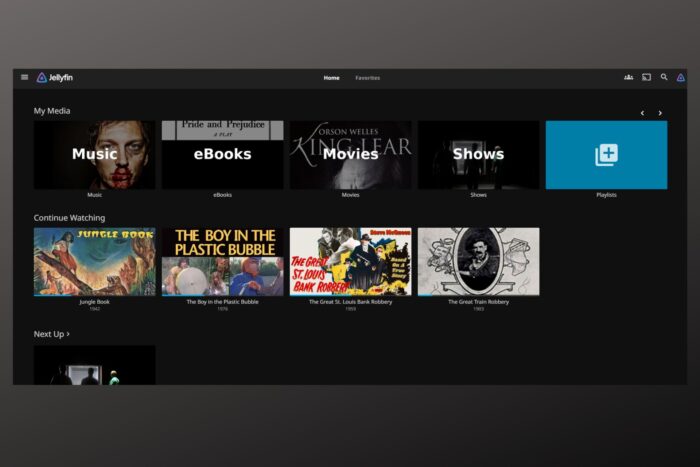
Jellyfin is one of the best ways to stream your own content without paying subscriptions. But if you want to use it outside your home, you need a secure way to connect. That’s where a VPN comes in. It keeps your Jellyfin safe, helps avoid ISP slowdowns, and makes remote access simple.
Here are the best VPNs for Jellyfin in 2025.
Table of contents
- Top Jellyfin VPNs in 2025
- 1. NordVPN : Best Overall for Jellyfin Remote Access
- 2. ExpressVPN : Fastest & Most Reliable
- 3. Private Internet Access (PIA) : Most Flexible
- 4. CyberGhost VPN : Beginner‑Friendly
- 5. Mullvad : Privacy Purist’s Pick
- How We Picked the Best VPNs for Jellyfin
- Is Jellyfin Legal and Safe
- Why Use a VPN With Jellyfin
- FAQs
- Wrap Up
Top Jellyfin VPNs in 2025
1. NordVPN: Best Overall for Jellyfin Remote Access
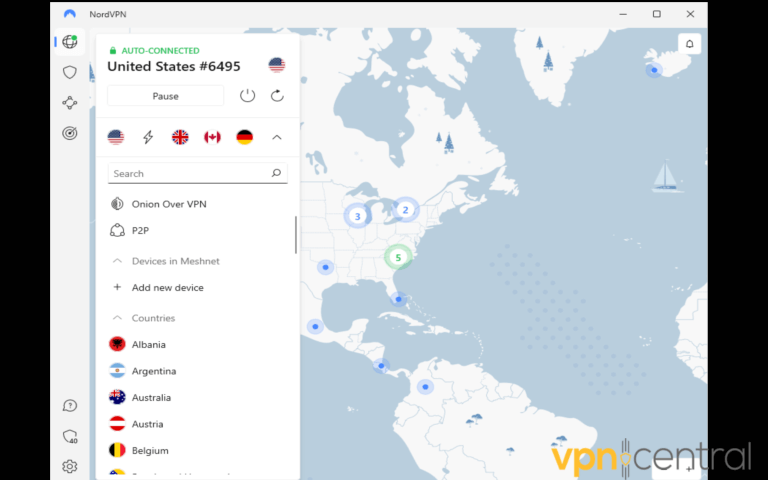
NordVPN is consistently ranked as one of the most reliable VPNs for media servers. Its Meshnet feature is a standout. Imagine sitting in a café in Berlin and streaming Jellyfin as if your laptop was still connected to your Wi‑Fi back home in Chicago. That’s exactly what Meshnet makes possible.
It’s fast too. NordLynx, its WireGuard‑based protocol, delivers stable speeds even when streaming large 4K files. That’s why many users who also rely on a VPN for Kodi find NordVPN equally effective for Jellyfin.
Why it’s great for Jellyfin:
- Meshnet makes remote access seamless without port forwarding
- Fast enough for smooth HD and 4K playback
- Apps on Windows, macOS, Linux, Android, iOS, Fire Stick, smart TVs, and routers
- Privacy‑first with a strict no‑logs policy and AES‑256 encryption
- Built‑in Threat Protection to block ads and trackers
For travelers or families who want Jellyfin available anywhere without exposing their server, NordVPN makes the process effortless.
Pros: Easy Meshnet setup, fast connections, wide device coverage.
Cons: Higher price than budget VPNs.

NordVPN
Get NordVPN for Jellyfin remote streaming.2. ExpressVPN: Fastest & Most Reliable
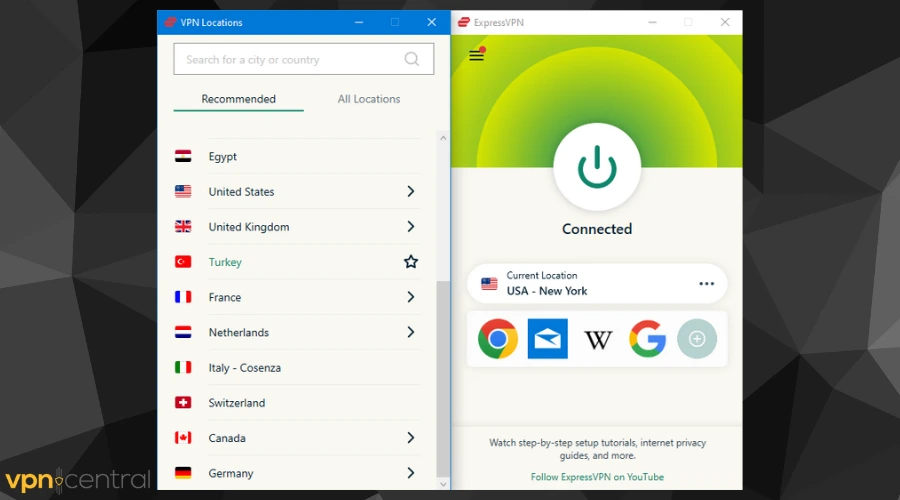
ExpressVPN is built for speed, and that makes it ideal for Jellyfin users with high‑quality media collections. You won’t have to worry about buffering, even with high‑bitrate 4K videos. If you set it up on a router, your Jellyfin server is always protected automatically without manual effort.
Streaming services often detect and block VPNs. If you’ve ever struggled with Stremio not working with a VPN, you’ll appreciate how consistent ExpressVPN is at bypassing restrictions while keeping connections smooth.
Why it’s great for Jellyfin:
- Very fast, low‑latency servers in 100+ countries
- Router support to cover your Jellyfin server permanently
- Beginner‑friendly apps with Smart Location for quick setup
- RAM‑only TrustedServer technology for better privacy
- Consistently reliable for streaming platforms that block VPNs
It’s best for users who want their Jellyfin server to work smoothly at home or while traveling.
Pros: Blazing speed, router‑friendly, user‑friendly apps.
Cons: Pricier, no port forwarding support.

ExpressVPN
Try ExpressVPN for Jellyfin streaming.3. Private Internet Access (PIA): Most Flexible
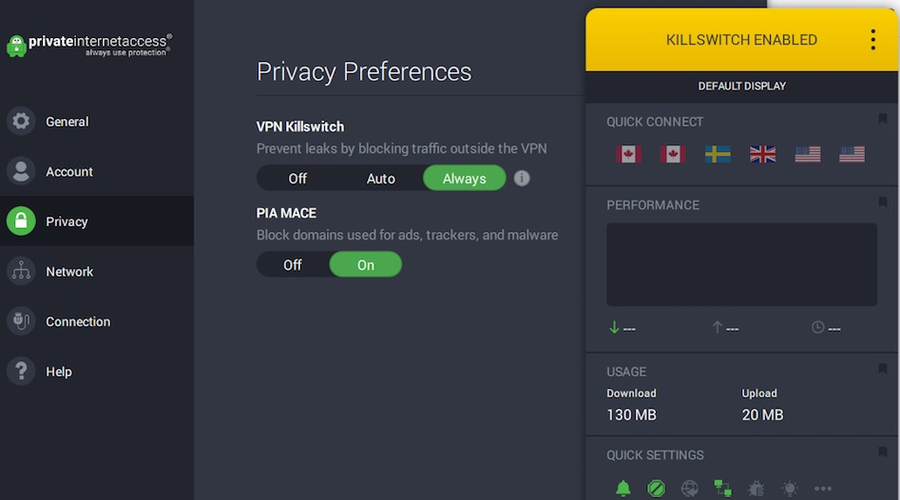
Private Internet Access is a favorite among tech‑savvy Jellyfin users who like flexibility. It’s one of the rare VPNs that still supports port forwarding, which can help you map Jellyfin port remote access securely. This means you can still get the convenience of remote streaming without leaving your server wide open.
It’s also unlimited. You can run it on as many devices as you like, which makes it ideal for big households with multiple family members connecting. Many Plex users face the same challenges and look for the best VPN for Plex, and PIA solves those issues while being equally suited for Jellyfin.
Why it’s great for Jellyfin:
- Port forwarding available for advanced configurations
- Unlimited simultaneous device connections
- Over 30,000 servers across 90+ countries
- Split tunneling for Jellyfin VPN split tunnel setups
- Adjustable encryption options to balance speed and security
It’s best if you like to fine‑tune your setup or if you want different Jellyfin access modes for family and friends.
Pros: Port forwarding, endless devices, highly customizable.
Cons: Can be overwhelming for beginners.
Private Internet Access
Use PIA to power your Jellyfin media server.4. CyberGhost VPN: Beginner‑Friendly
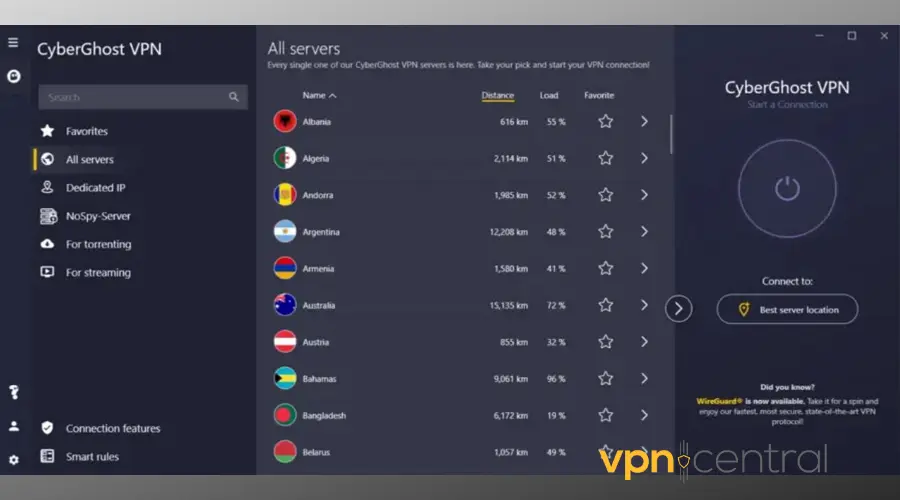
CyberGhost is designed with ease of use in mind. You don’t need to be technical to set it up. Its apps are straightforward, and once installed, you’re ready to stream. With over 11,000 servers, you’ll rarely run into congestion.
It’s also versatile. For example, you might use it at home for Jellyfin, then switch to catch British TV abroad with a VPN for My5. That kind of flexibility makes CyberGhost attractive if you want one VPN for both personal libraries and streaming platforms.
Why it’s great for Jellyfin:
- Apps built for non‑technical users
- Huge global network with 11,000+ servers
- Supports Windows, macOS, iOS, Android, Fire Stick, and smart TVs
- Built‑in ad blocking and tracker protection
- Connect up to 7 devices at once
It’s the best choice for households that want Jellyfin access but don’t want to fiddle with complicated VPN settings.
Pros: Extremely easy to use, affordable, massive server network.
Cons: No port forwarding, fewer advanced tools.

CyberGhost
Start Jellyfin streaming with CyberGhost VPN5. Mullvad: Privacy Purist’s Pick
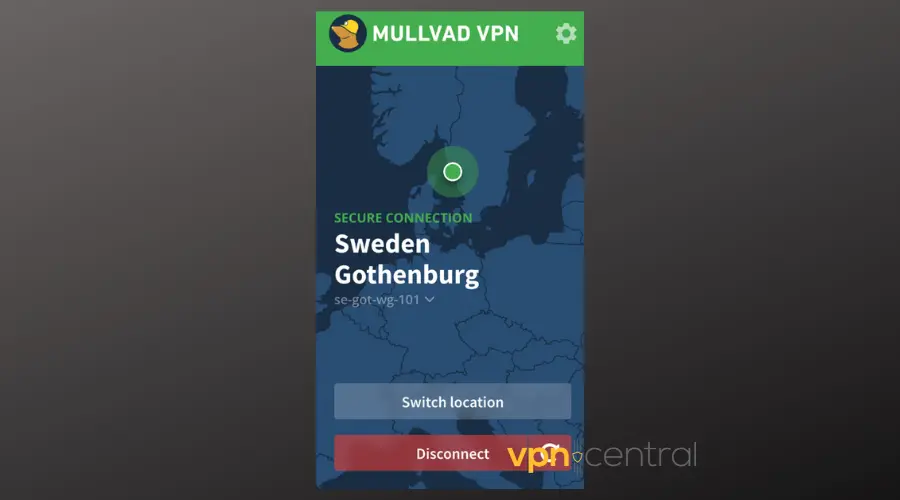
Mullvad is a privacy‑first VPN that strips things down to the essentials. Signup doesn’t even require an email. You just get a random account number. For users who care more about anonymity than fancy extras, this is a refreshing approach.
At €5 per month flat, Mullvad is also straightforward in pricing. You don’t have to deal with endless tiers or upsells. And with support for WireGuard, it still delivers the speeds you need for smooth Jellyfin streaming. Advanced users who like customization will also appreciate that Mullvad lets you use a VPN only for certain sites, which is perfect if you only want Jellyfin traffic routed through VPN while leaving other apps outside.
Why it’s great for Jellyfin:
- Anonymous signup without personal info
- Flat‑rate pricing with no gimmicks
- Fully open‑source apps, regularly audited
- WireGuard support for fast Jellyfin playback
- Works across major platforms and router setups
It’s the best fit for Jellyfin users who want complete control over their privacy and don’t mind a more bare‑bones approach.
Pros: Maximum privacy, simple pricing, affordable.
Cons: Smaller server network, fewer extra features.
➡️ Keep your Jellyfin private with Mullvad VPN.
How We Picked the Best VPNs for Jellyfin
Not every VPN is suitable for Jellyfin. We looked at features beyond the basics of speed and encryption.
- Remote access: VPNs needed to make it safe to stream Jellyfin outside your home network without risky port forwarding
- Performance: Since Jellyfin streams your files, only VPNs that handle HD and 4K smoothly made the list
- Security: We picked providers with proven no‑logs policies and strong encryption
- Advanced features: Meshnet, port forwarding, and split tunneling were important for power users
- Ease of use: Some readers want plug‑and‑play simplicity, others want advanced control so we included both
Because many Jellyfin users also stream elsewhere, we also considered VPNs with strong unblocking features. For example, providers that rank highly as VPNs for geo‑blocking are more likely to stay stable for self‑hosted servers too.
Is Jellyfin Legal and Safe
- Legal: Jellyfin is fully legal under GPLv2. What matters is the content you stream. Your own files or public‑domain content are fine, pirated material isn’t
- Safe: Locally, Jellyfin is safe. But exposing your server directly with Jellyfin port remote access can be dangerous. That’s why VPNs are essential for secure connections
Why Use a VPN With Jellyfin
- Remote access without exposure: Stream Jellyfin safely outside your home
- Privacy: Encrypts all Jellyfin traffic, even on public Wi‑Fi
- Avoid throttling: ISPs can’t slow down what they can’t see
- Safe sharing: Let friends and family connect without leaving your server public
- Flexibility: A Jellyfin VPN split tunnel sends only Jellyfin traffic through VPN
FAQs
No. Since it’s self‑hosted, Jellyfin isn’t tied to regions.
Yes. If your Jellyfin VPN is not working, check that your server and device are connected to the same VPN location. Split tunneling issues often cause problems.
Not required, but useful. A Jellyfin VPN split tunnel keeps Jellyfin secure while other apps use direct internet.
Wrap Up
The best VPN for Jellyfin depends on your priorities.
Whichever one you choose, adding a VPN makes sure your Jellyfin media server stays secure, private, and accessible from anywhere in the world.


Read our disclosure page to find out how can you help VPNCentral sustain the editorial team Read more


Improve this guide
User forum
0 messages