
Best VPN for Mac and iPhone in 2026: 7 Top Picks


 9 min. read
  Published on
The best VPN for Mac and iPhone protects your data, secures your browsing, and lets you enjoy streaming services without restrictions across both macOS and iOS. Because Apple users expect clean design, smooth performance, and privacy-first features, you need a VPN that feels like it was built for the Apple ecosystem. Switching between your MacBook and iPhone should feel natural, without losing speed or security.
This guide breaks down the best VPNs for Apple users, showing you which ones excel in speed, privacy, usability, and overall integration with Mac and iPhone.
Table of contents
- The 7 Best VPNs for Mac and iPhone
- 1. NordVPN – Fastest Streaming and Strongest Privacy
- 2. ExpressVPN – Best for Travelers and Streaming Anywhere
- 3. Surfshark – Unlimited Devices for Families and Students
- 4. ProtonVPN – Privacy-First With Open-Source Apps
- 5. Mullvad – Anonymous Access With Numbered Accounts
- 6. PrivadoVPN – Best Free Starter Option for Apple Devices
- 7. Norton Secure VPN – Trusted Brand With Faster Speeds
- Why Use a VPN on Mac and iPhone
- How We Chose the Best VPNs
- Conclusion
- FAQ
The 7 Best VPNs for Mac and iPhone
1. NordVPN – Fastest Streaming and Strongest Privacy
Why choose it
- 🚀 NordLynx protocol ensures blazing speeds
- 🛡️ Independently audited no-logs policy
- 🎬 Unlocks 100+ streaming libraries worldwide
- 💻 Optimized for Apple Silicon Macs
- 🔄 Protects up to 6 devices simultaneously
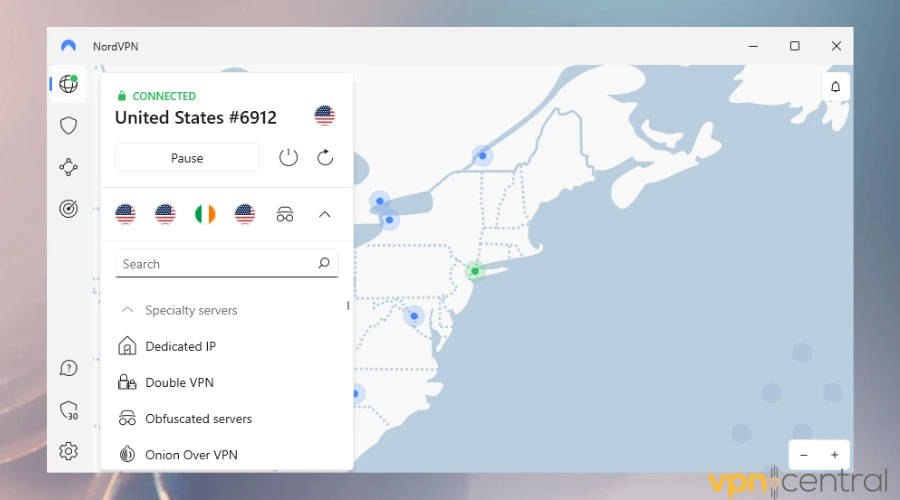
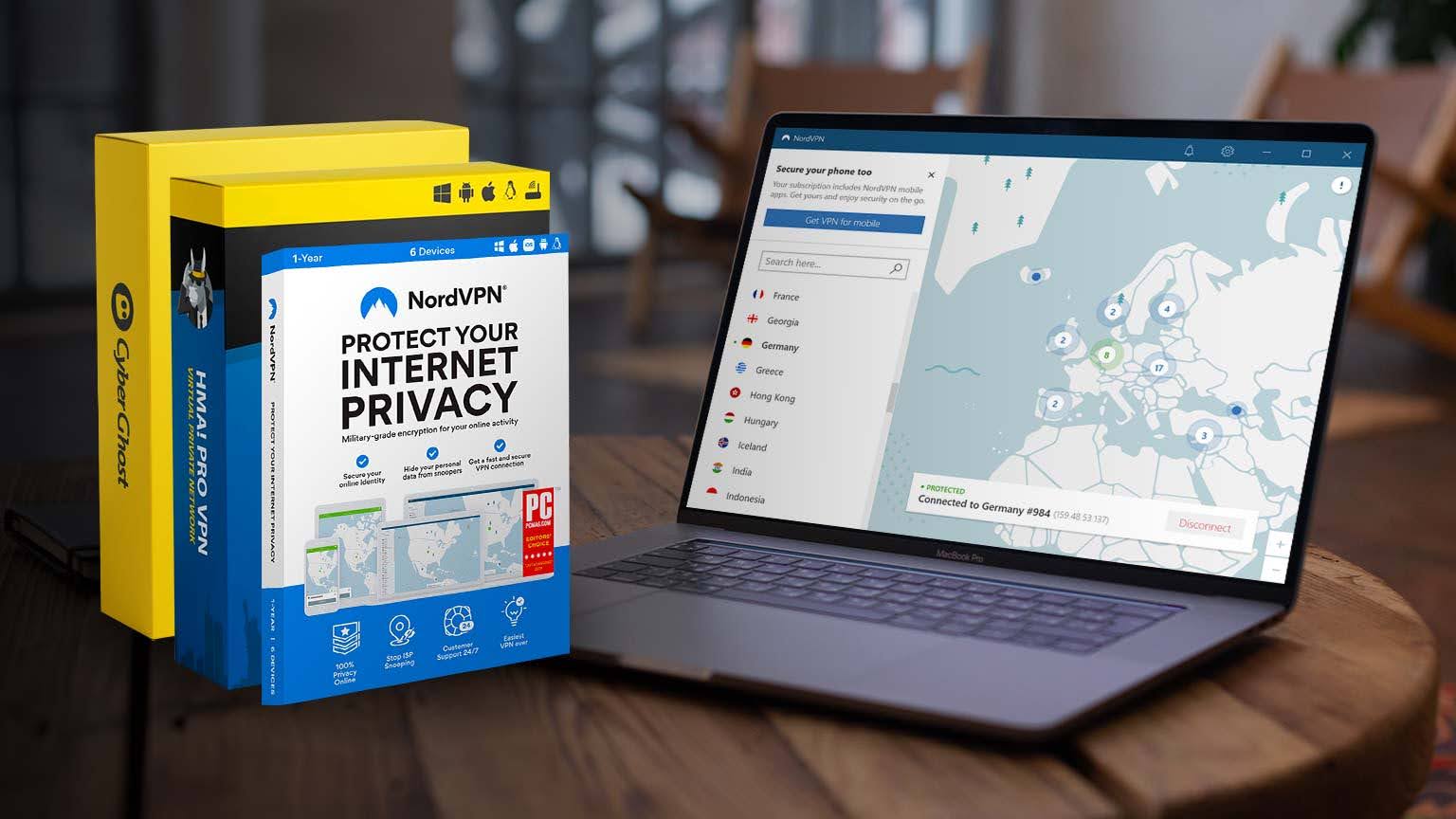
NordVPN gives you a rare combo of speed and security that feels tailor-made for Apple devices. On Mac, the interface responds quickly and respects macOS design patterns. On iPhone, the app stays light and saves battery while keeping your connection stable. If you watch 4K video, join long video calls, or game online, the NordLynx protocol keeps things smooth without buffering or lag.
NordVPN also takes privacy seriously. It operates RAM-only servers, follows a strict no-logs policy, and passes independent audits. Power users can add layers of protection with Double VPN on Mac, which routes traffic through two encrypted servers for extra anonymity. If you want speed, security, and a polished Apple experience, NordVPN delivers across the board.
➡️ Choose NordVPN to secure your Mac and iPhone with top speeds and advanced privacy.
2. ExpressVPN – Best for Travelers and Streaming Anywhere
Why choose it
- 🚀 Lightning-fast connections across 94 countries
- 🎬 Best at unblocking Netflix, BBC iPlayer, Disney+
- 🖱️ One-click connection with clean UI
- 🔄 Protects 5 devices at once
- 💻 Identical experience on macOS and iOS
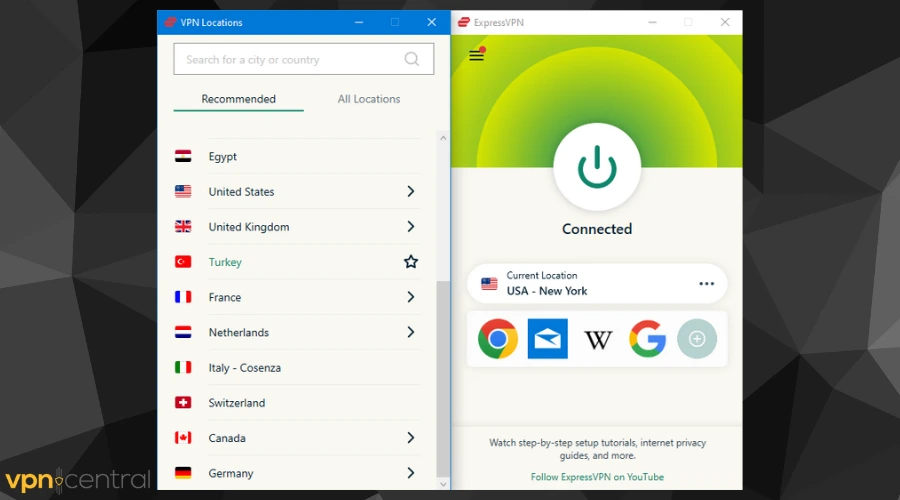
ExpressVPN keeps things simple without sacrificing performance. The one-tap connect design makes it easy to use on both Mac and iPhone, so you can secure a hotel network on your MacBook and jump to your iPhone on the go without confusion. Its Lightway protocol brings fast, reliable connections that hold up when you travel.
Streaming is another strong suit. ExpressVPN consistently unlocks Netflix, Hulu, and regional sports platforms. If you need a set-and-forget option that works almost everywhere, this service fits well. The Mac and iPhone apps mirror each other, so you move between screens quickly and stay protected.
➡️ Pick ExpressVPN if you travel often and want easy, fast streaming on Mac and iPhone.
3. Surfshark – Unlimited Devices for Families and Students
Why choose it
- 👨👩👧👦 Unlimited devices per account
- 🛡️ Built-in ad and malware blocker
- 🚀 WireGuard support for strong speeds
- 🎬 Reliable for Netflix, Amazon Prime, Disney+
- 💸 One of the most affordable VPNs
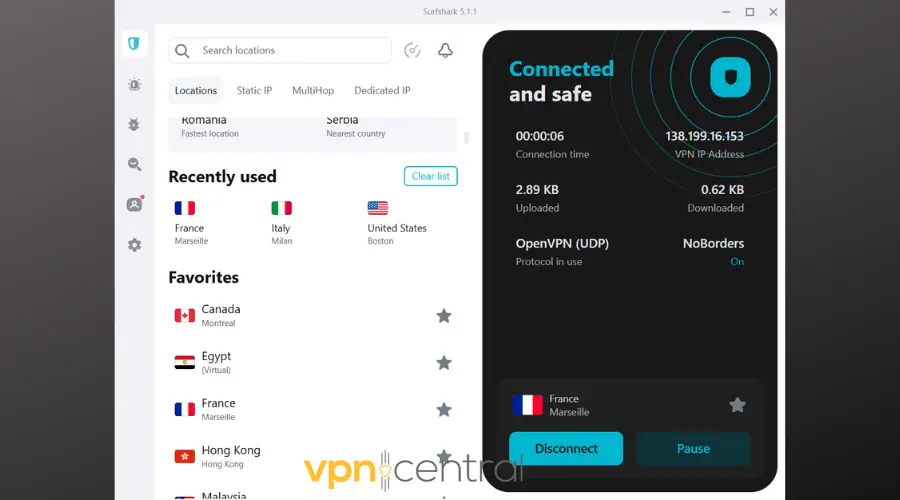
Surfshark stands out because it covers every device in your home with one subscription. That means MacBooks, iPhones, and iPads connect at the same time with no extra cost. CleanWeb blocks ads and trackers, which makes browsing smoother and helps pages load faster.
Privacy tools like MultiHop and Camouflage Mode give you more control when you need it. If you want an easy way to protect your whole Apple setup, see practical ways to share a VPN between iPhone and Mac. For households and student groups, Surfshark brings excellent value without cutting corners.
➡️ Choose Surfshark to secure every Apple device you own with one affordable plan.
4. ProtonVPN – Privacy-First With Open-Source Apps
Why choose it
- 🕵️ Based in Switzerland with strict privacy laws
- 📖 Fully open-source apps
- 🔄 Stealth protocol to bypass firewalls
- 🎬 Works well for Netflix and Hulu
- 💸 Free plan with unlimited data
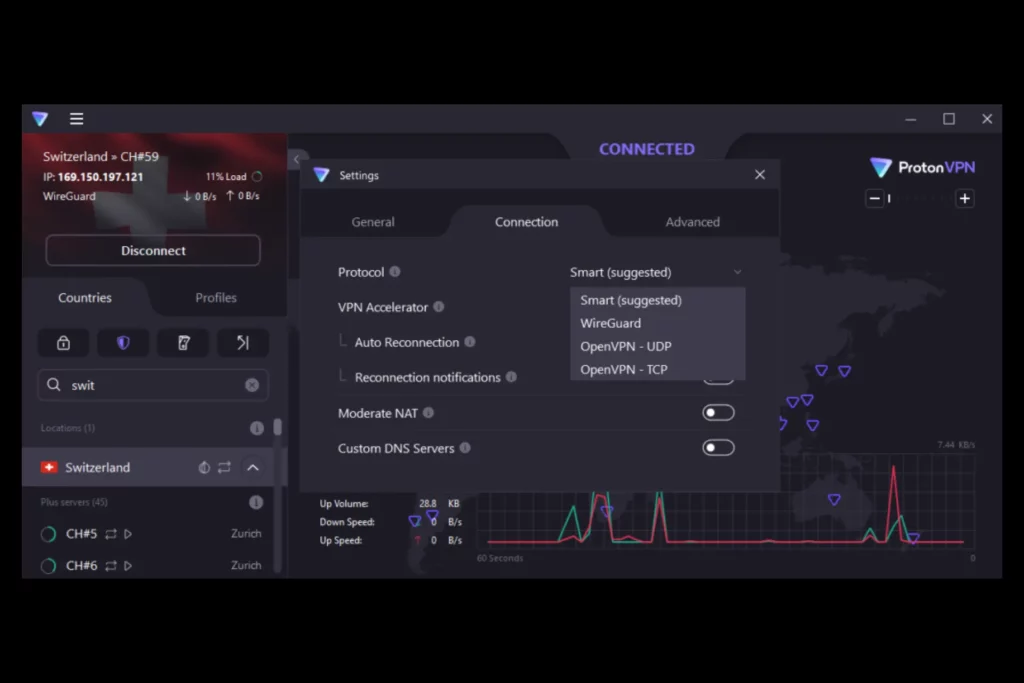
Proton VPN puts privacy front and center. Built by the team behind ProtonMail, it offers open-source apps that the community can inspect. That transparency builds trust and keeps the software accountable. The Stealth protocol helps you get online in regions that try to block VPNs, which is useful for travelers and remote workers.
Performance stays solid on both macOS and iOS, and the interface feels clean. If your hardware is older, Proton remains a smart choice because it runs efficiently on older Macs with limited resources. Privacy-focused users who want a careful, audited approach will feel right at home here.
➡️ Get Proton VPN if privacy and transparency matter most on your Mac and iPhone.
5. Mullvad – Anonymous Access With Numbered Accounts
Why choose it
- 🔒 No email required, just an account number
- 🛡️ Transparent and open-source apps
- 🎬 Decent streaming support
- 💻 Lightweight for both macOS and iOS
- 🔄 Supports up to 5 connections
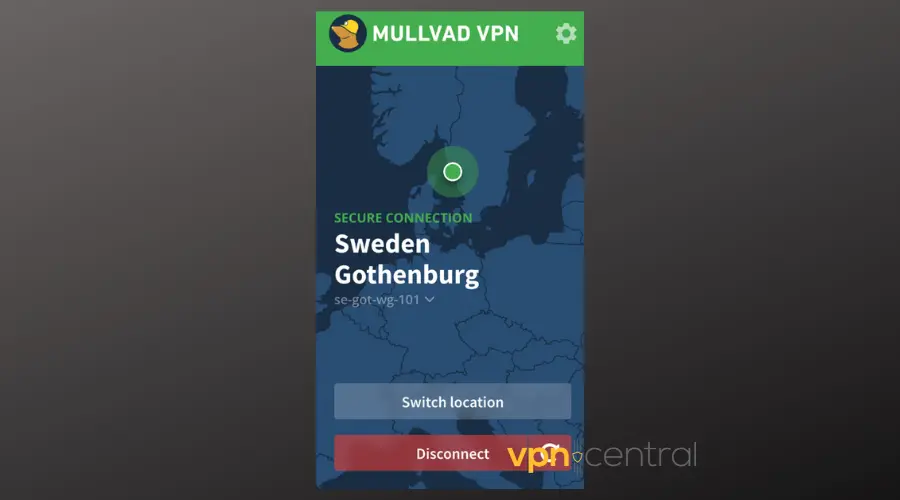
Mullvad takes a unique approach to privacy. You do not need an email address to sign up. You receive a random account number and start using the service. This design reduces personal data exposure and keeps your identity separate from your online activity.
The apps on Mac and iPhone keep things simple and fast. You get strong encryption, reliable leak protection, and a quiet footprint on system resources. If you care more about privacy ethics than bright features, Mullvad gives you a focused, trustworthy toolkit.
➡️ Pick Mullvad if you want maximum anonymity with minimal setup on Apple devices.
6. PrivadoVPN – Best Free Starter Option for Apple Devices
Why choose it
- 💸 Free tier with 10GB monthly data
- 🚀 Strong speeds even on free servers
- 🎬 Works with Netflix and other platforms
- 🛡️ AES-256 encryption and kill switch
- 🔄 Up to 10 devices on premium plan
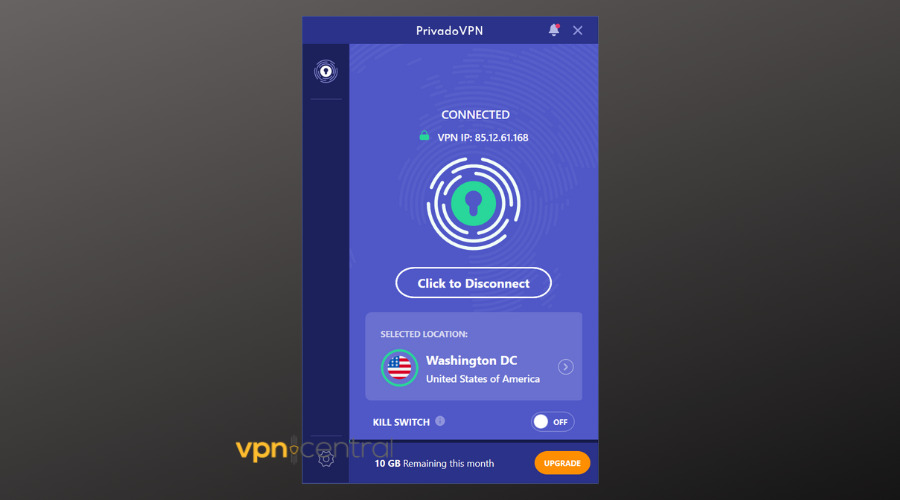
PrivadoVPN works well if you want to try a VPN without paying right away. The free plan includes 10GB each month, which covers casual browsing and some streaming. The apps on macOS and iOS stay light and simple, so setup feels quick on a MacBook or iPhone.
Upgrading unlocks more locations, higher speeds, and up to 10 simultaneous connections. If you use a lightweight laptop, check options for a VPN on MacBook Air to keep performance snappy. For budget users, PrivadoVPN gives you a clean path to stronger protection.
➡️ Try PrivadoVPN if you want a free, capable start on Mac and iPhone.
7. Norton Secure VPN – Trusted Brand With Faster Speeds
Why choose it
- 🚀 Faster speeds with WireGuard protocol
- 🛡️ Extra features like Double VPN and IP rotation
- 🎬 Supports Netflix and Hulu
- 🖥️ Part of Norton’s wider security suite
- 🔄 Up to 5 simultaneous devices
Norton Secure VPN has improved quickly. WireGuard support boosts speed, and features like Double VPN add more protection when you need it. If you already use Norton antivirus or parental tools, the VPN fits in smoothly and keeps management simple across your Apple devices.
Beginners can learn fast on iOS by reviewing what happens behind the scenes when you connect. If you want a quick primer, read this guide on what happens when you enable a VPN on iPhone. The Mac app keeps the same clear approach, so you stay focused on work and streaming without extra steps.
➡️ Choose Norton Secure VPN if you prefer a familiar security brand on Mac and iPhone.
Why Use a VPN on Mac and iPhone
Apple devices provide strong security, but they do not make you invisible online. A VPN adds encrypted protection and hides your IP, which stops easy tracking and data profiling. On public Wi-Fi, this extra shield protects your traffic from snooping. At home, it keeps your browsing private from your ISP and ad networks.
- Stronger privacy: Prevents ISPs, advertisers, and attackers from building profiles around your activity.
- Better streaming: Lets you watch more content libraries when you travel.
- Safer public Wi-Fi: Encrypts traffic at airports, hotels, and cafes.
- Cross-device consistency: Keep the same protection when you switch from Mac to iPhone.
- Remote work flexibility: Secure access to business tools and region-locked portals.
If you share your connection while traveling, you may rely on tethering. When issues appear, use this guide to fix an iPhone hotspot VPN not working. For setup clarity on your phone, this primer on the basics of a VPN for iPhone helps you understand protocols, battery use, and kill switches.
How We Chose the Best VPNs
We tested and prioritized the features that matter most to Apple users. Each pick meets high standards for native design, privacy, and speed, so your Mac and iPhone stay fast and secure.
- Native Apple support: Smooth macOS and iOS apps with Apple Silicon optimization.
- Privacy standards: Strong encryption, independent audits, and clear no-logs policies.
- Performance and speed: Stable 4K streaming, fast downloads, and low-latency calls.
- Ease of use: Clean interfaces, one-tap connections, and logical settings.
- Streaming power: Consistent unblocking for major platforms.
- Device connections: Enough simultaneous devices for modern Apple households.
- Price and value: Fair pricing that matches performance and features.
Conclusion
The best VPN for Mac and iPhone depends on your habits. For speed and streaming, choose NordVPN or ExpressVPN. For households and students, Surfshark covers every device with one plan. If privacy leads your list, Proton VPN and Mullvad make strong cases. If you want a free start, PrivadoVPN works well. If you trust Norton’s suite, its VPN now runs faster and fits your setup easily.
Pick the one that matches your routine, and your Apple devices will stay safer, faster, and more flexible every day.
FAQ
Yes. macOS and iOS improve device security, but a VPN protects your network traffic and privacy across apps and browsers.
NordVPN and ExpressVPN unlock popular platforms reliably and keep speeds high for 4K video.
Yes. Proton VPN and PrivadoVPN offer free plans with reasonable limits and strong privacy rules.
Yes. Most services allow several devices at once. Surfshark offers unlimited connections, which suits families and multi-device users.


Read our disclosure page to find out how can you help VPNCentral sustain the editorial team Read more


Improve this guide


User forum
0 messages