
Best VPNs for YouCut in 2026: Unlock Features and Edit Without Limits


 5 min. read
  Updated on
YouCut has become one of the go-to mobile video editing apps for creators thanks to its sleek interface and advanced filters. But depending on your region or network settings, some features like certain stickers, sounds, or even uploads may get blocked. Editing over public or restricted Wi-Fi can also expose your work to security risks. That is when a VPN can step in and protect your flow while opening up more creative options.
Why use a VPN with YouCut
- Unlock region locked filters and sounds You may miss out on trending assets tied to specific locales. A VPN fixes that.
- Bypass network blocks at schools or offices since these often hinder uploads or app functionality.
- Encrypt your connection on public Wi-Fi to safeguard your edits from snoopers.
- Avoid internet service provider throttling, especially when exporting high resolution footage.
- Keep editing sessions seamless across devices, ensuring consistent access whether on mobile or desktop.
If you want to learn the basics first, check out this guide on what a VPN is and how it works.
Best VPNs for YouCut
1. NordVPN – Best overall
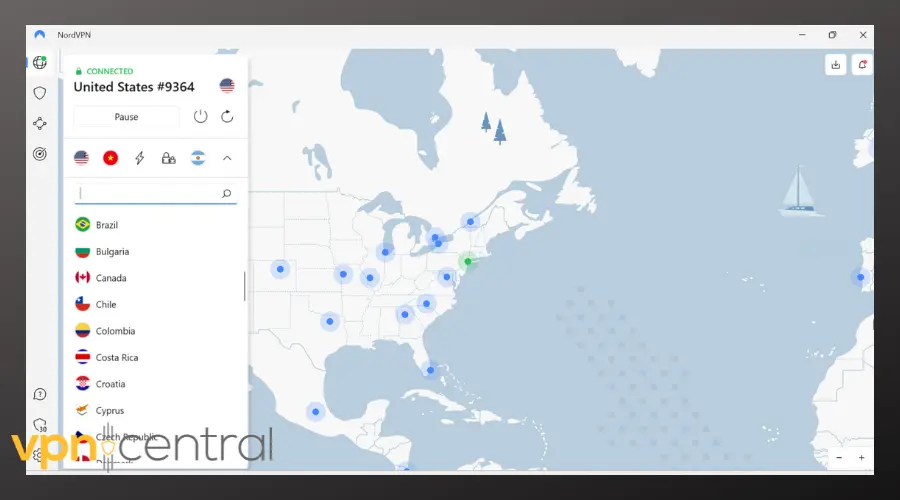
NordVPN delivers a powerful combination of speed, reliability, and privacy. Its global network spans over 6,000 servers in 100+ countries, helping you access features that might not appear otherwise. With AES-256 encryption, Threat Protection, audited no-logs claims, and the modern NordLynx protocol, NordVPN performs on all fronts.

NordVPN
Try NordVPN for smooth, secure editing2. Surfshark – Best value with unlimited devices
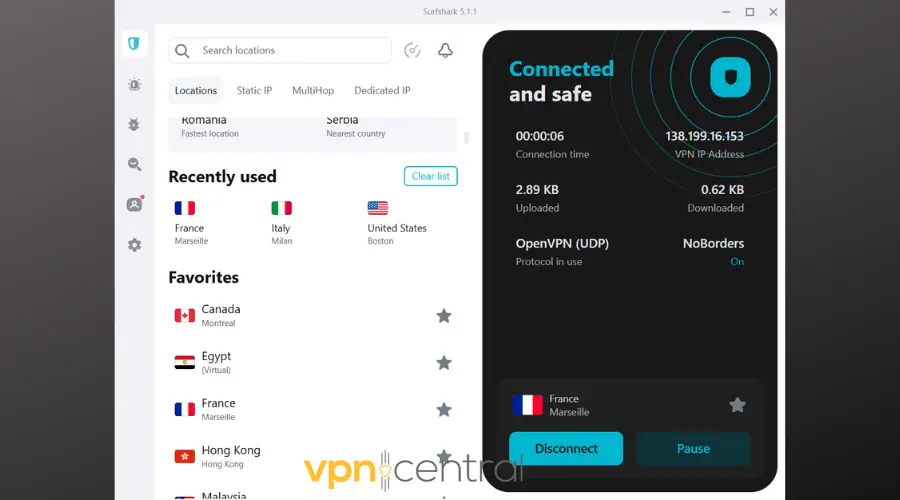
If you’re editing across phone and PC, Surfshark offers unbeatable value with unlimited device connections. Features like CleanWeb (ad and malware blocker) and GPS spoofing unlock location based filters while protecting your sessions. You also get over 3,200 servers worldwide and reliable speeds.
This kind of flexibility also makes Surfshark a popular choice for editors who work with other apps, such as those who rely on VPNs for CapCut to unlock similar creative features.
Surfshark
Start using Surfshark and quickly edit videos on all your devices!3. ExpressVPN – Easiest to use
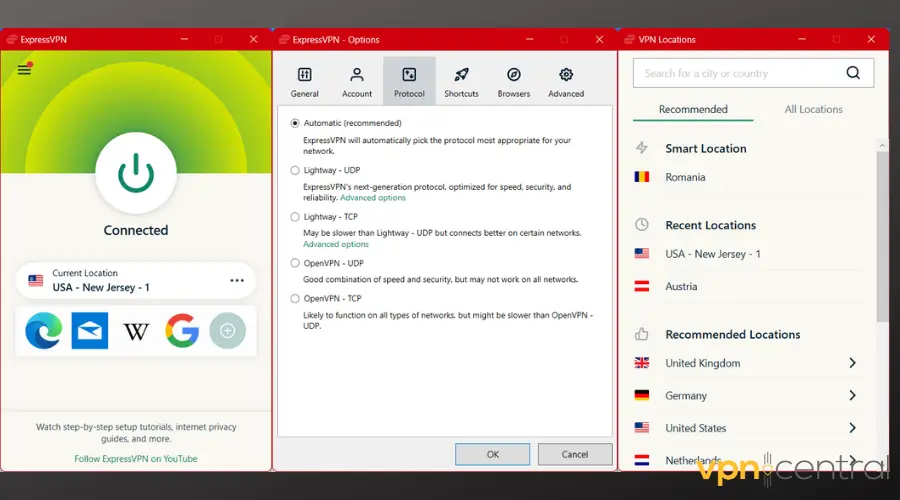
ExpressVPN stands out for simplicity. Its clean interface and one click connection let you focus on editing. It uses the fast Lightway protocol and supports split tunneling, so you can route only YouCut through the VPN if you prefer.
Another plus is that ExpressVPN handles streaming well, so if you also spend time watching content on platforms with ads or restrictions, you might benefit from setups similar to a VPN for Twitch ads.

ExpressVPN
Get ExpressVPN for quick and easy access!4. ProtonVPN – Privacy first
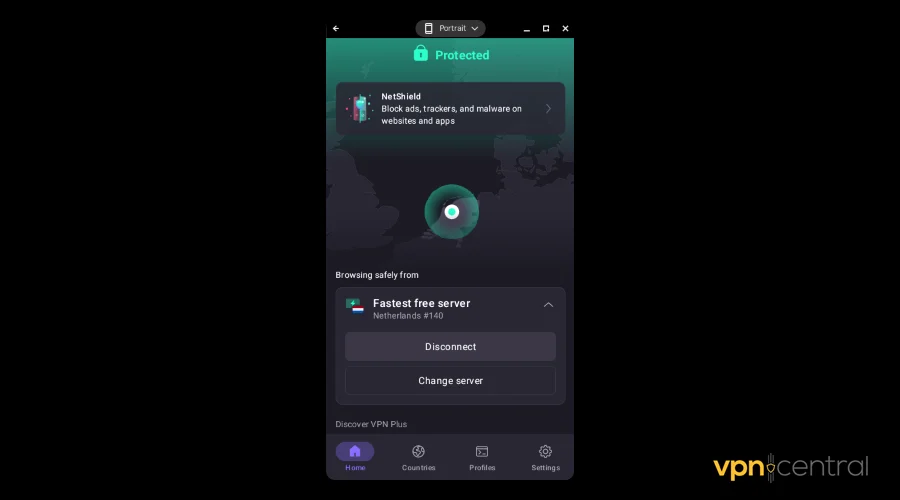
Built by the team behind ProtonMail, Proton VPN puts privacy front and center. It offers audited no logs policies, Secure Core servers routing through privacy friendly nations, and WireGuard support for fast connections.
For creators who also share or collaborate on larger media files, it helps to understand broader contexts like whether P2P is legal in your country, since a VPN can also protect these exchanges.

ProtonVPN
Secure your edits today with ProtonVPN!5. CyberGhost – Best for wide coverage
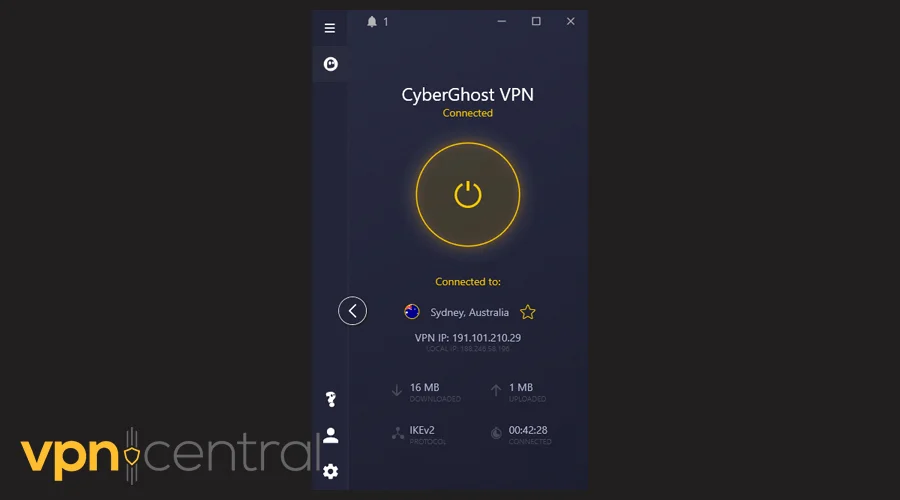
With an expansive network of more than 11,500 servers in 100+ countries and advanced compression technology, CyberGhost is ideal if you frequently edit on mobile or travel. You will enjoy stable performance with lower data usage.
It is also a strong option if you want to bypass different kinds of geo-fencing restrictions, not just for YouCut but also for other apps and platforms.

CyberGhost
Unlock global filters with CyberGhost VPN!Honorable mention: AstrillVPN
AstrillVPN offers resilient, stealthy performance, especially useful in regions with strict internet censorship where YouCut may struggle to load or export.
👉 Use AstrillVPN to edit without regional limits
Quick Comparison Table
| VPN | Strengths for YouCut | Best for |
|---|---|---|
| NordVPN | Fast speeds, global reach, advanced security | All around performance |
| Surfshark | Unlimited devices, GPS spoofing, budget friendly | Multi device users |
| ExpressVPN | Simple apps, Lightway protocol, split tunneling | Beginners and casual editors |
| Proton VPN | Privacy first, audited, secure unblocking | Creators prioritizing privacy |
| CyberGhost | Massive server network, data compression | Mobile editors and global access |
| AstrillVPN | Reliable in high censorship areas | Users in restricted regions |
Smart Tips for VPN Use with YouCut
- Rotate servers Some effects only unlock in select regions, so test a few locations to find the right one.
- Pick modern protocols NordLynx, WireGuard, or Lightway deliver the best balance of speed and security.
- Test upload performance Run a speed check before exporting long projects to avoid wasted time.
- Protect your account Always log out when editing on shared devices, especially with a VPN enabled.
- Watch renewal prices Many VPNs increase rates after the first term, so set reminders to renegotiate or switch.
FAQs
Yes, but a VPN can help you overcome restrictions like filters that appear in other regions or upload disruptions due to network blocks.
Generally, yes. VPN use is legal in most countries. That said, some areas regulate or ban VPN usage, so check local laws before installing one.
Not necessarily. A good VPN can actually speed things up by beating ISP throttling. Look for VPNs that support fast protocols like WireGuard or Lightway.
Free VPNs often limit speed, bandwidth, and server access. They are useful for occasional access but not reliable for regular video editing or uploads.
Yes. Some VPNs like Surfshark allow unlimited connections, while others may cap usage at 5 to 10 devices.
Conclusion
Pairing YouCut with the right VPN unlocks hidden effects, ensures smooth uploads, and protects your privacy no matter where you edit. With the right service, you can keep your workflow secure, flexible, and free from restrictions.


Read our disclosure page to find out how can you help VPNCentral sustain the editorial team Read more


Improve this guide


User forum
0 messages