
How a VPN Works Diagram (Beginner-Friendly)


 5 min. read
  Updated on
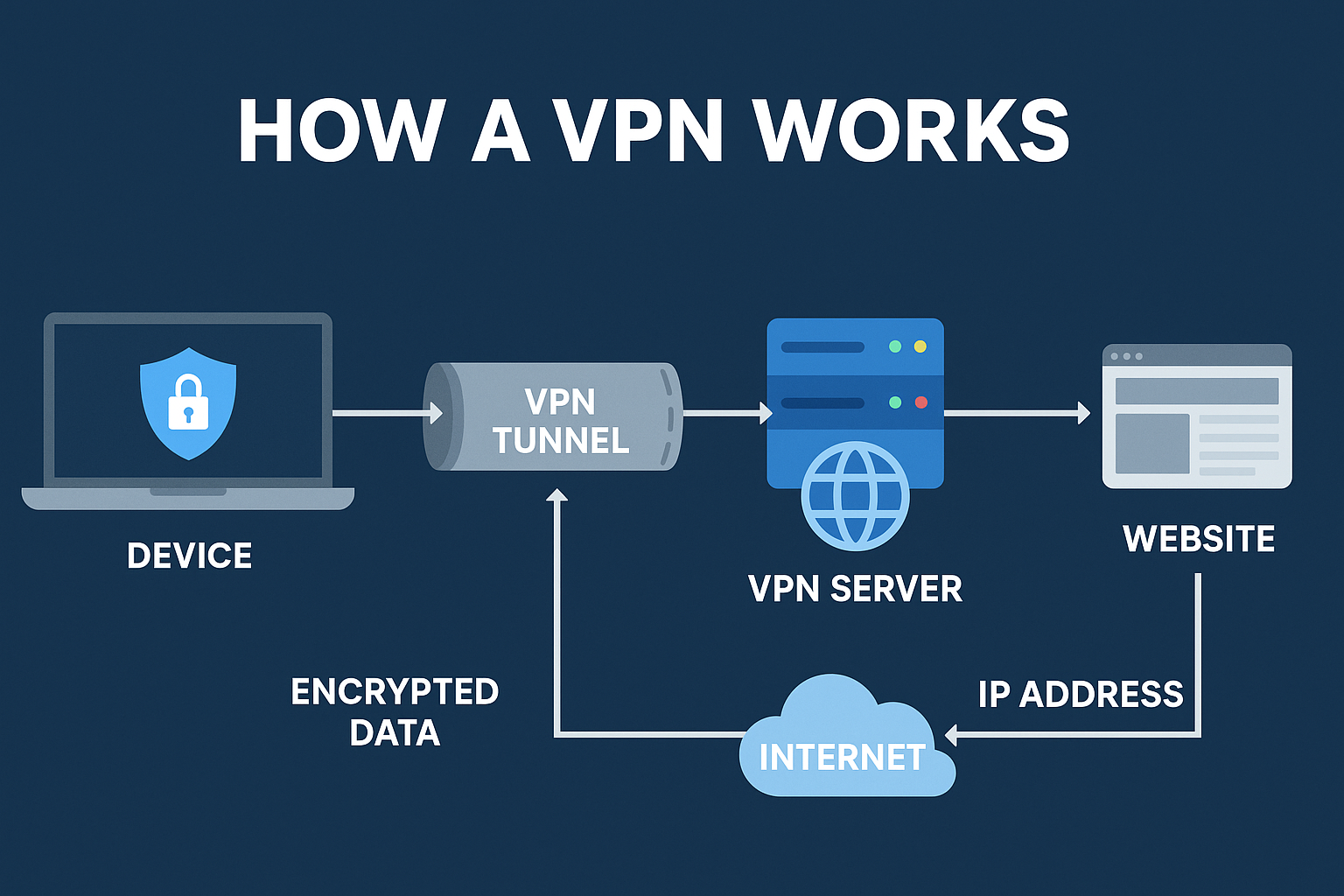
Virtual Private Networks (VPNs) are tools that protect your data by creating a private, encrypted “tunnel” between your device and the wider internet. This visual guide explains, step by step, what a VPN does under the hood and why it helps with privacy, security on public Wi-Fi, bypassing regional blocks, avoiding throttling, and enabling secure remote access.
Table of contents
What Is a VPN?
A VPN (Virtual Private Network) is a secure connection between your device and a remote server operated by your VPN provider. Your traffic travels inside an encrypted tunnel to that server, which then forwards requests to websites and apps. For fundamentals, see our primer on what a VPN is.
The server you connect to plays a key role in performance and privacy. If you want a deeper look, read what a VPN server is and how it functions.
How a VPN Works (Step by Step)
- Launch client & pick a location. Your VPN app initiates a connection to a chosen server.
- Secure handshake. Client and server authenticate and agree on ciphers/keys, then form an encrypted tunnel (think TLS-like session).
- Local encryption. Data is encrypted before it leaves your device and enters the tunnel. See how VPN encryption works for the technical breakdown.
- IP masking at the server. Sites see the VPN server’s IP/location, not yours.
- Return path. Responses flow back through the server → encrypted tunnel → your device, where they are decrypted by the client.
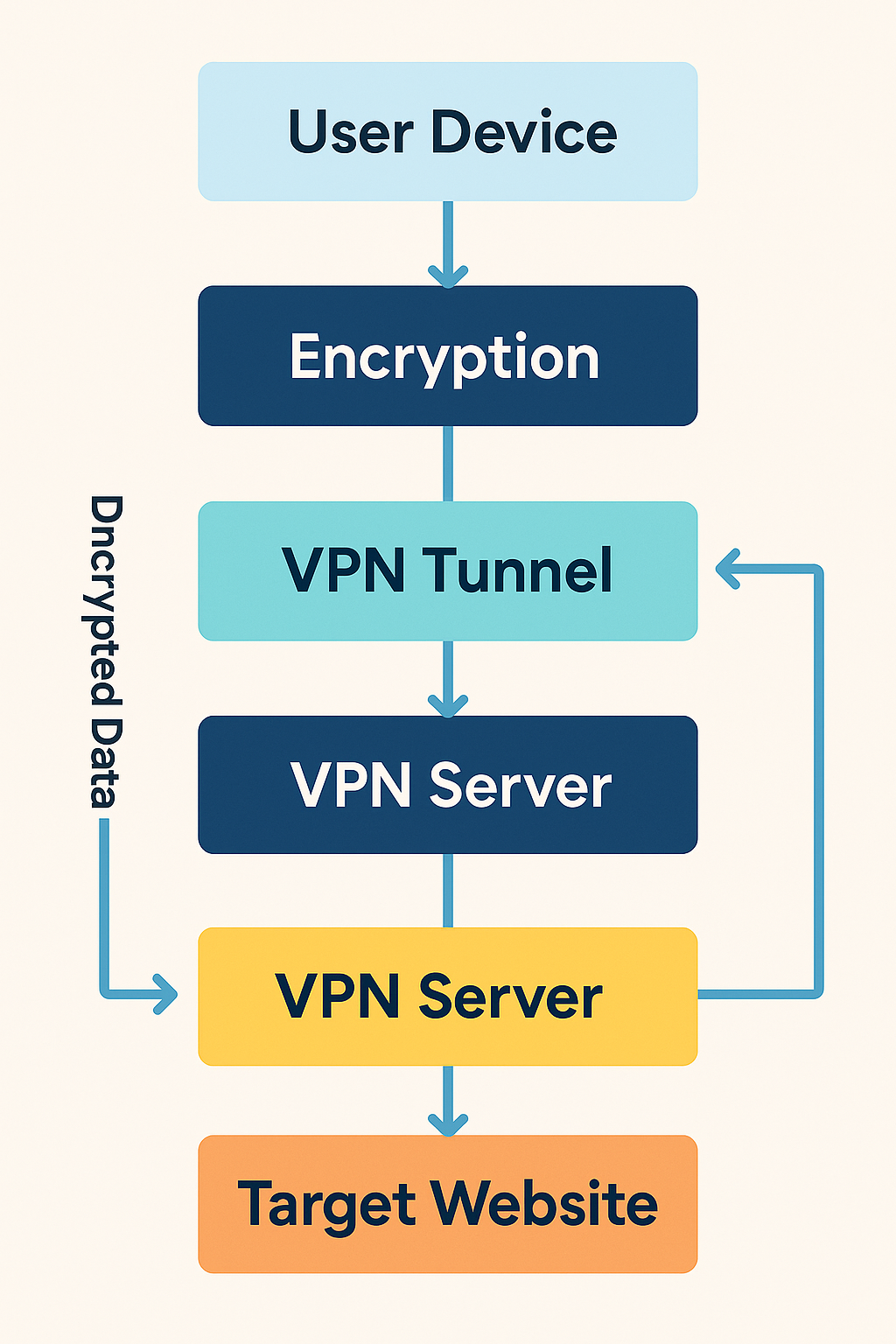
Different tunneling protocols power that tunnel. A popular choice is OpenVPN; here’s a friendly deep dive on how OpenVPN works.
Common VPN Setups (With Diagrams)
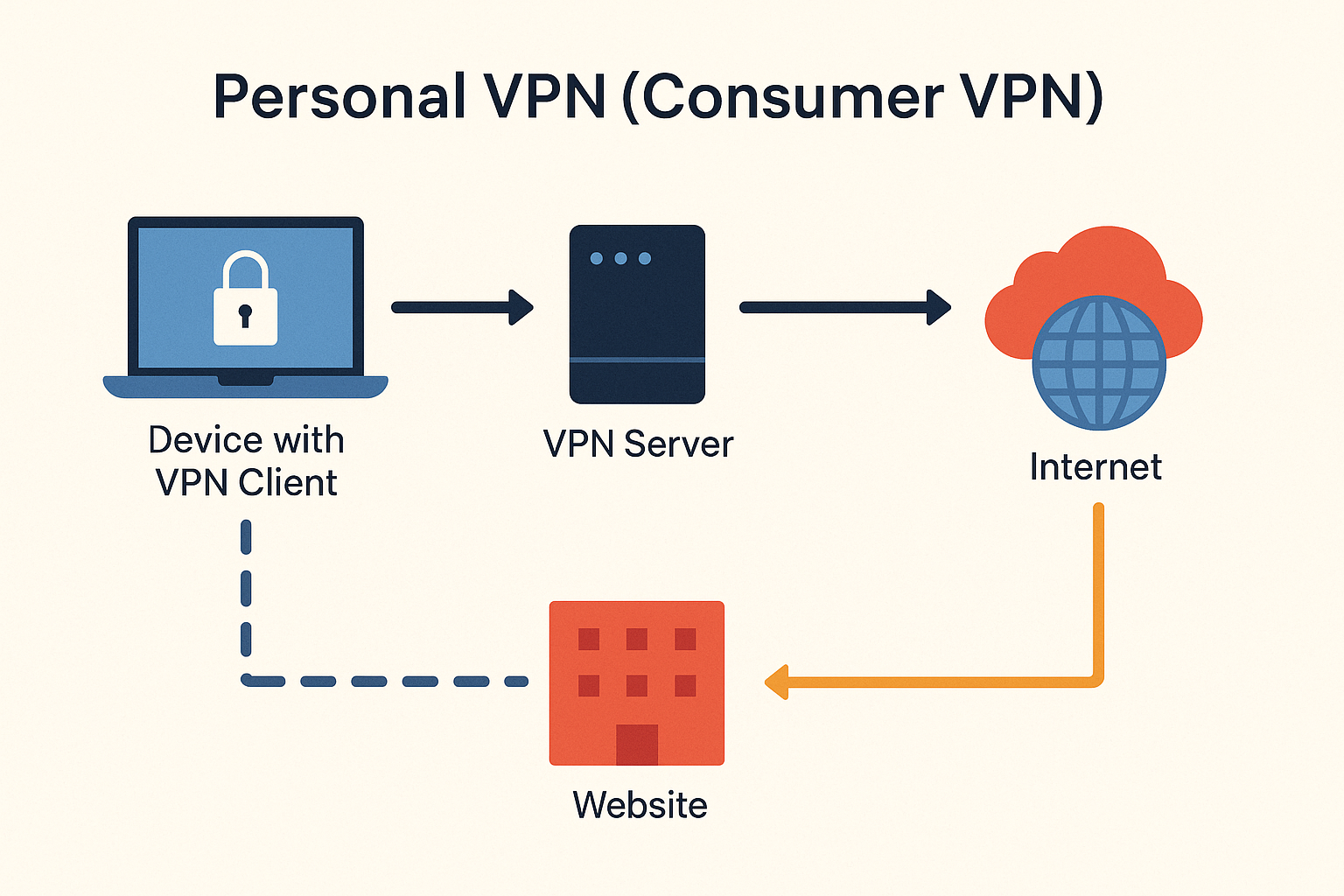
1) Personal (Consumer) VPN
Used by individuals for privacy, safer Wi-Fi, streaming access, and location switching.
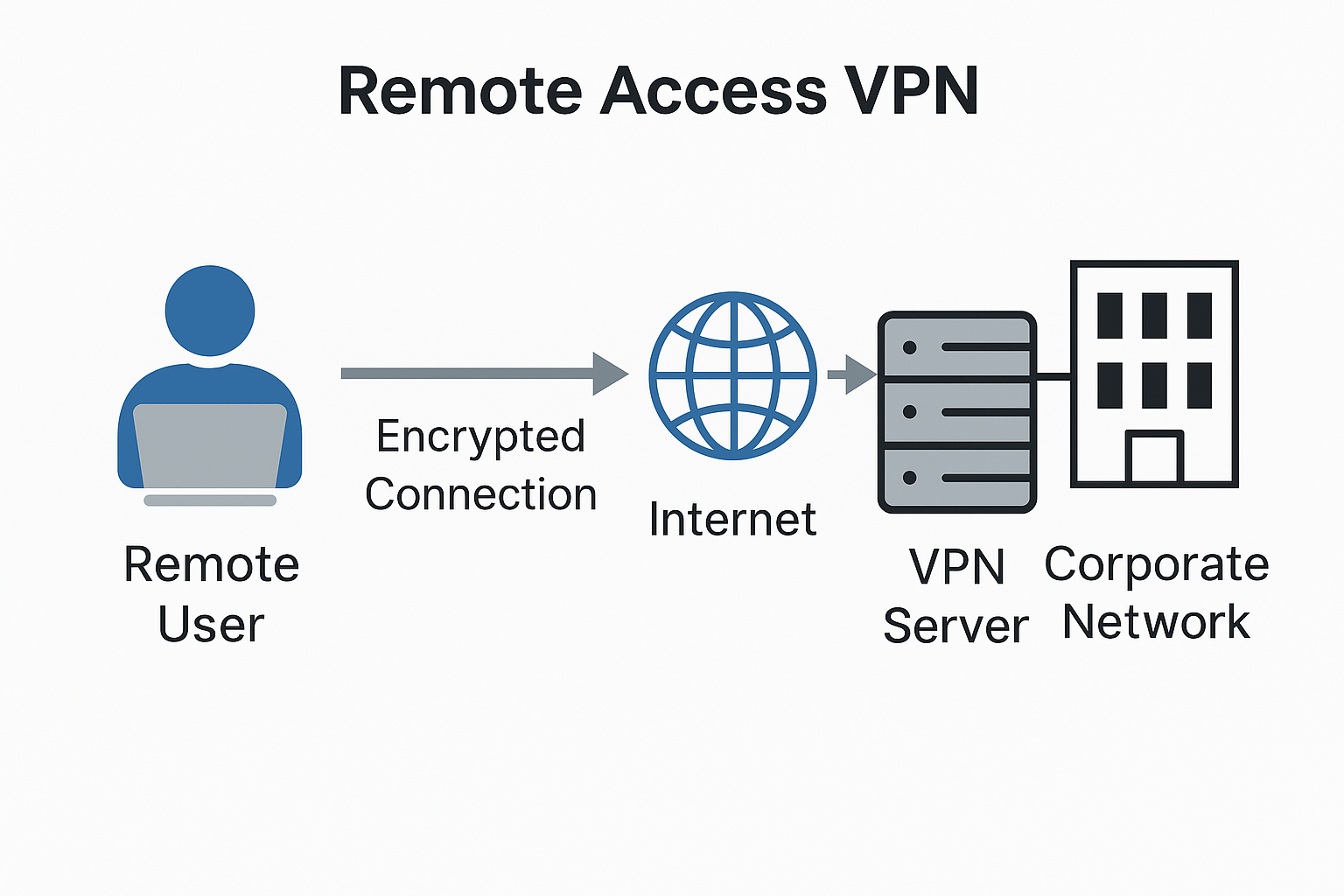
2) Remote Access VPN
Lets employees reach a private corporate network securely from home or travel.
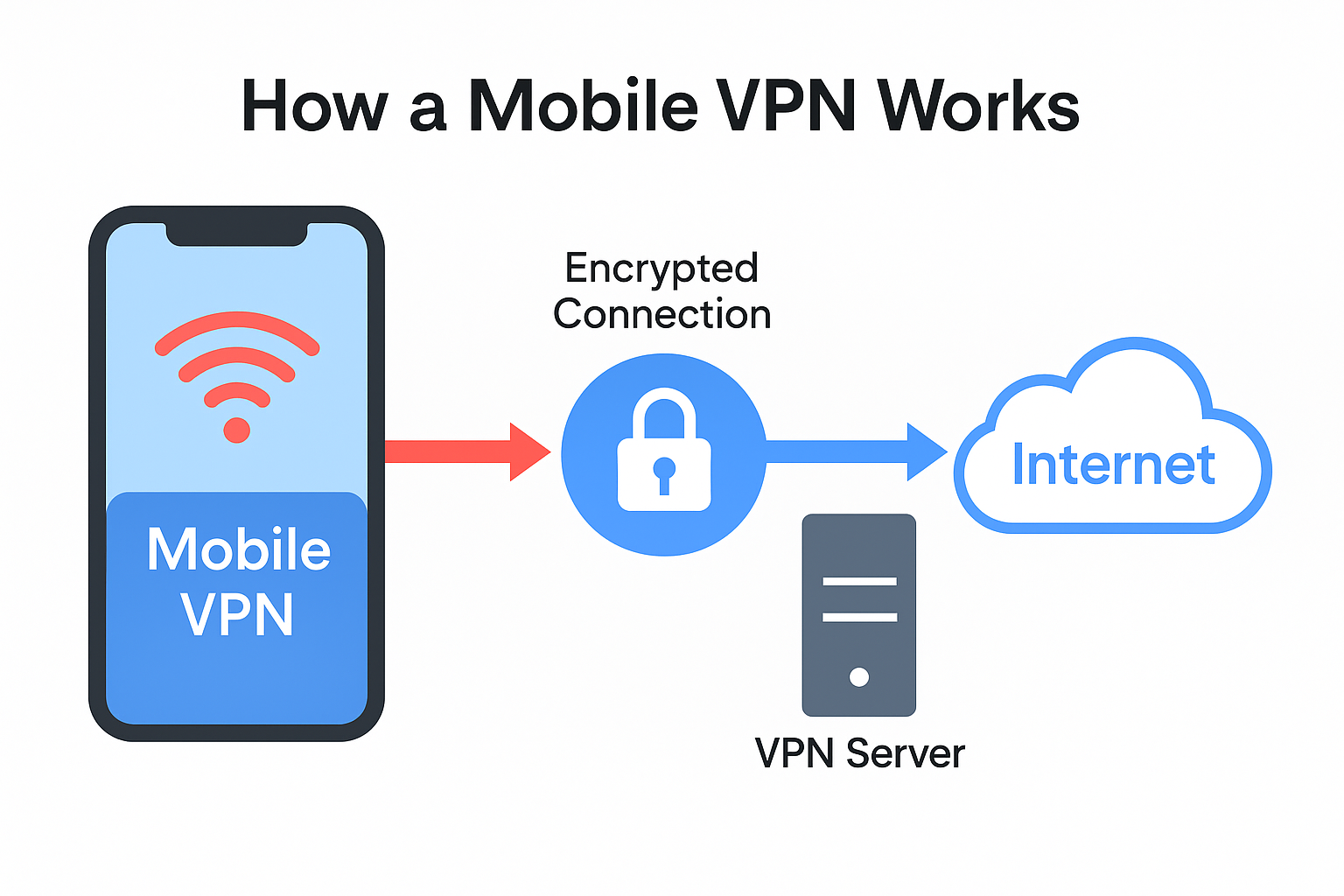
3) Mobile VPN
Designed to stay connected as you roam between Wi-Fi and cellular networks without dropping the tunnel.
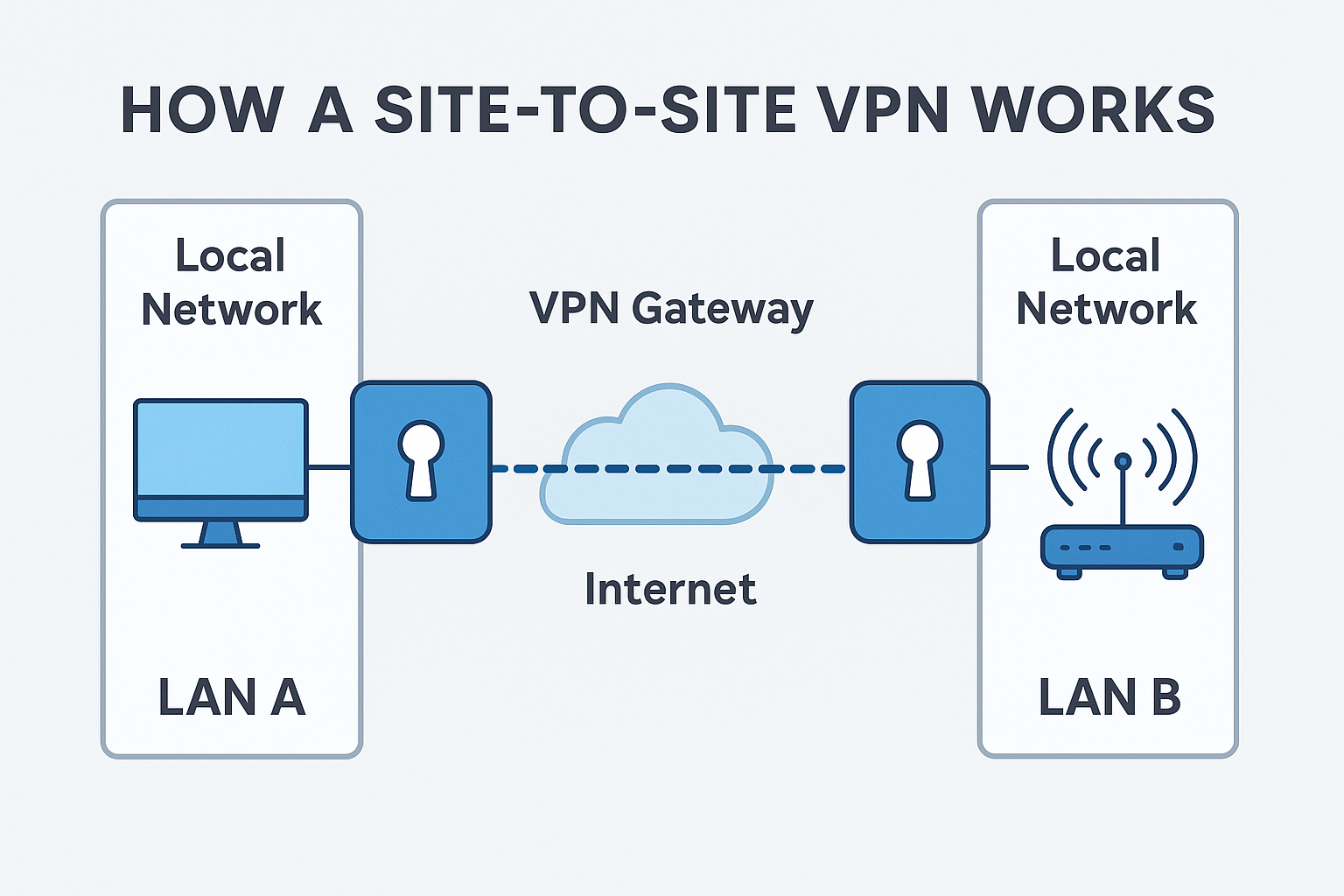
4) Site-to-Site VPN
Links whole offices (LAN ↔ LAN) over the internet so resources can be shared securely between locations.
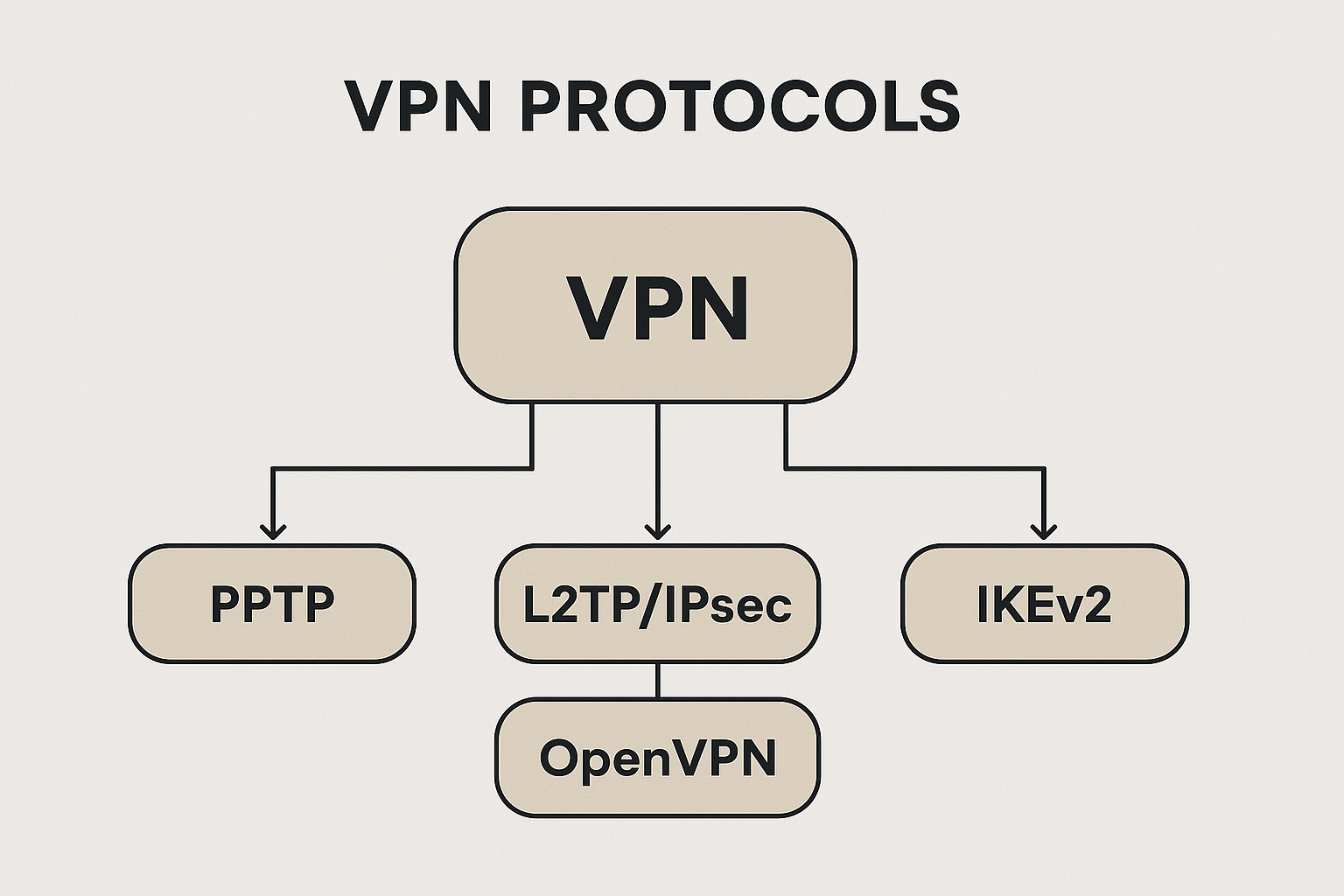
Protocols at a Glance
VPN apps commonly offer multiple protocols, each balancing speed, security, and device support. Typical options include OpenVPN, IKEv2/IPsec, WireGuard, and (legacy) L2TP/IPsec or PPTP. Choose modern, audited options for best results.
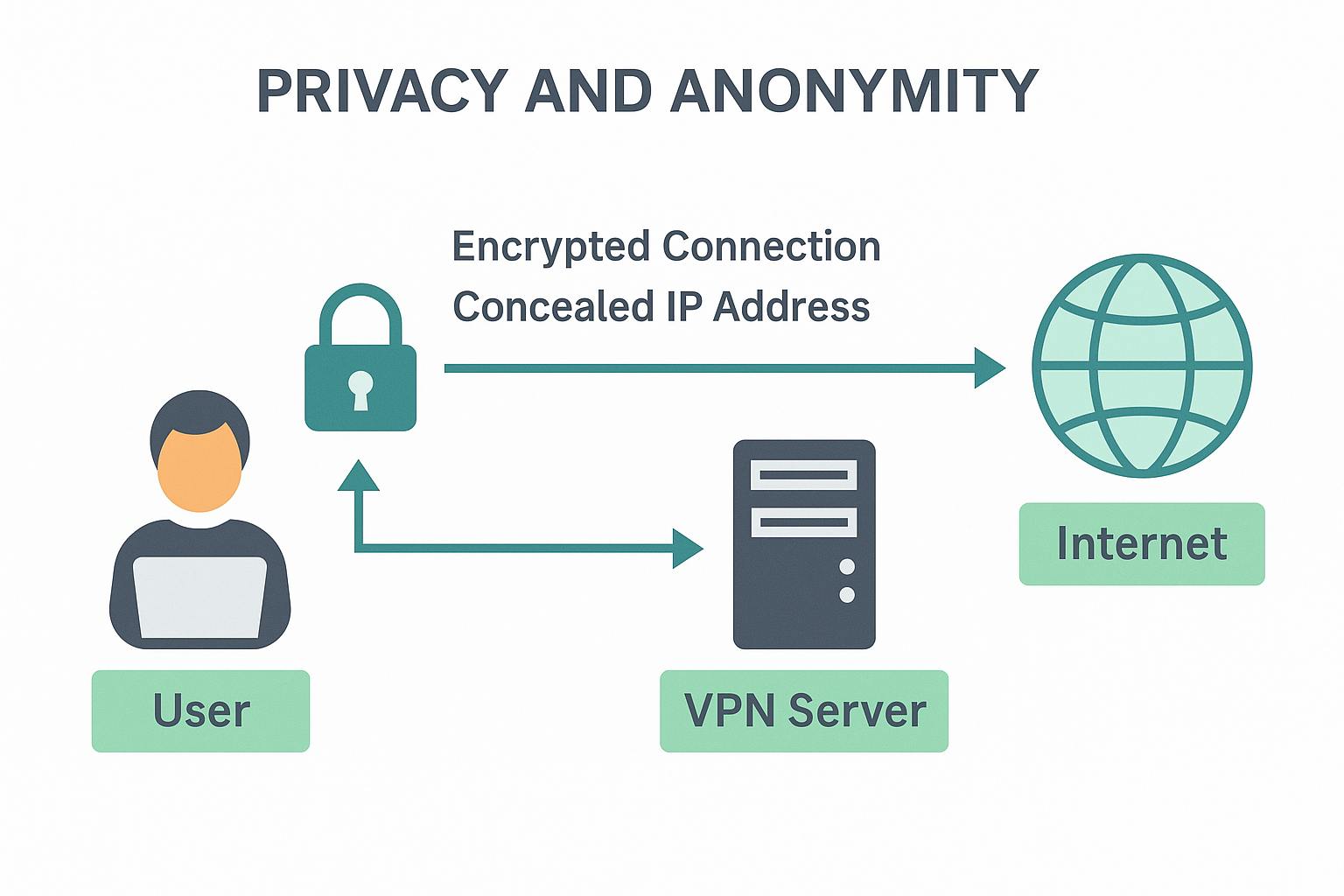
Privacy & Anonymity (Explained)
A VPN improves privacy by encrypting traffic and concealing your IP behind the server’s IP. That prevents local observers (e.g., public Wi-Fi snoops and ISPs) from seeing your browsing contents and makes sites attribute your visit to the server, not your home IP.
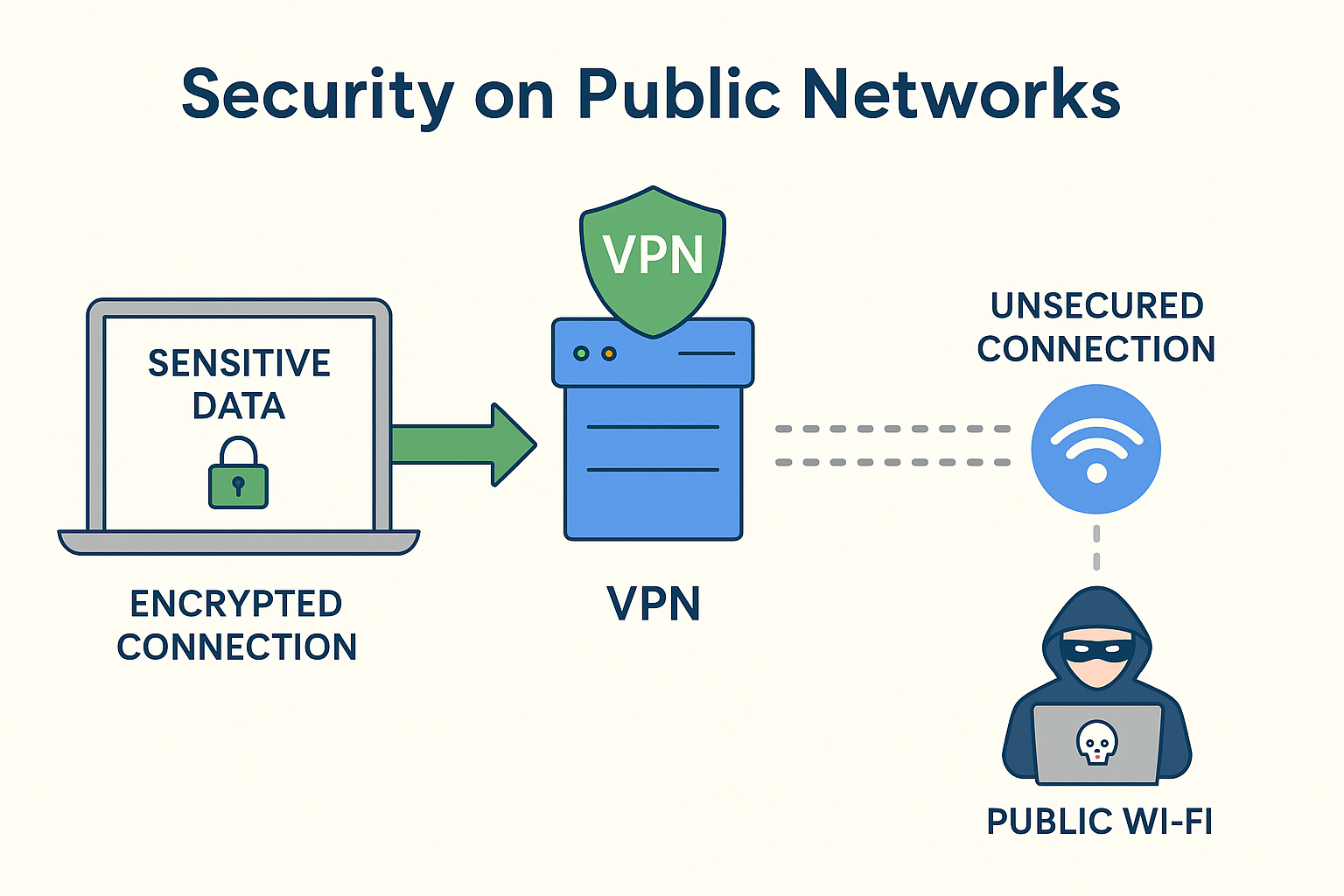
Security on Public Networks
On open hotspots (airports, cafés), attackers can sniff unencrypted traffic or run rogue access points. A VPN encrypts everything between your device and the server, so captured packets are unreadable.
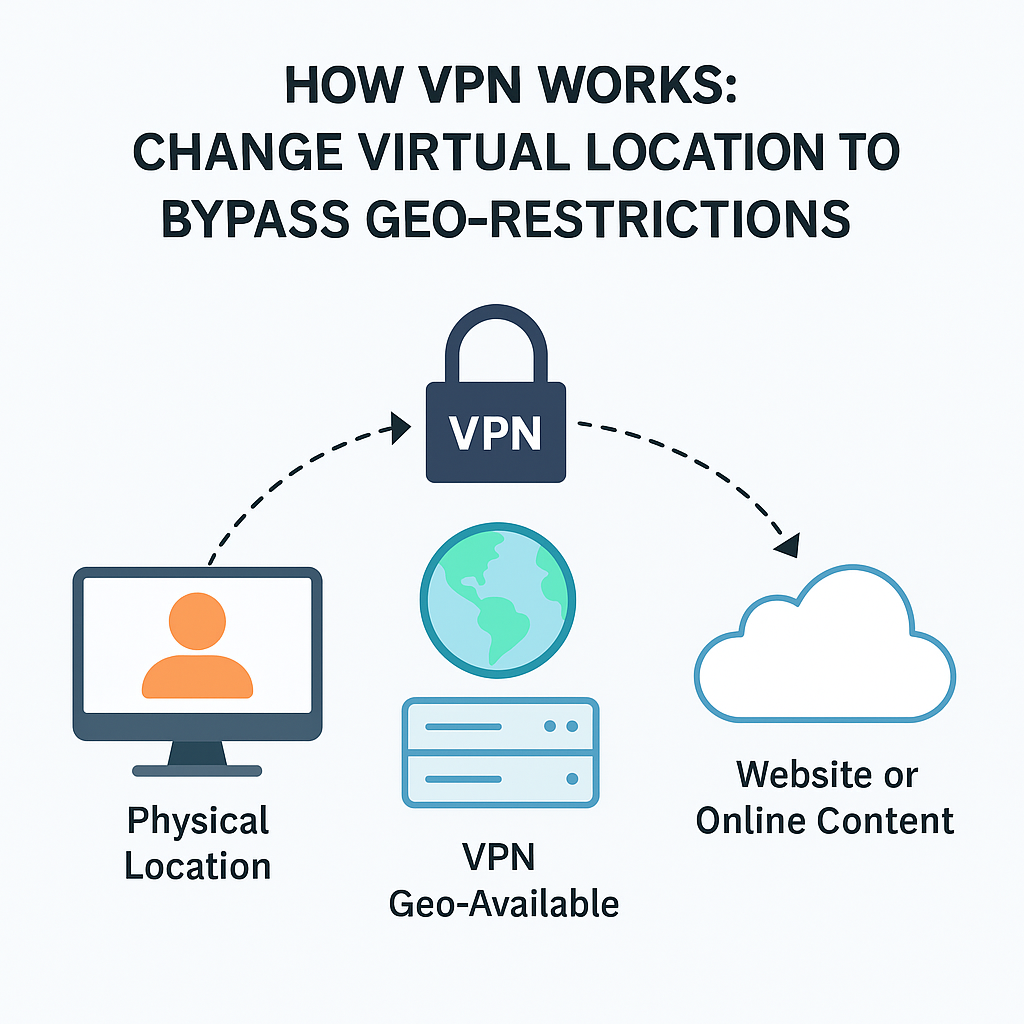
Bypassing Geo-Restrictions
Many services restrict libraries by region. With a VPN, sites see the server’s country, enabling legitimate access when you connect through a location where content is available. To understand how platforms enforce regions, see our explainer on geo-fencing restrictions.
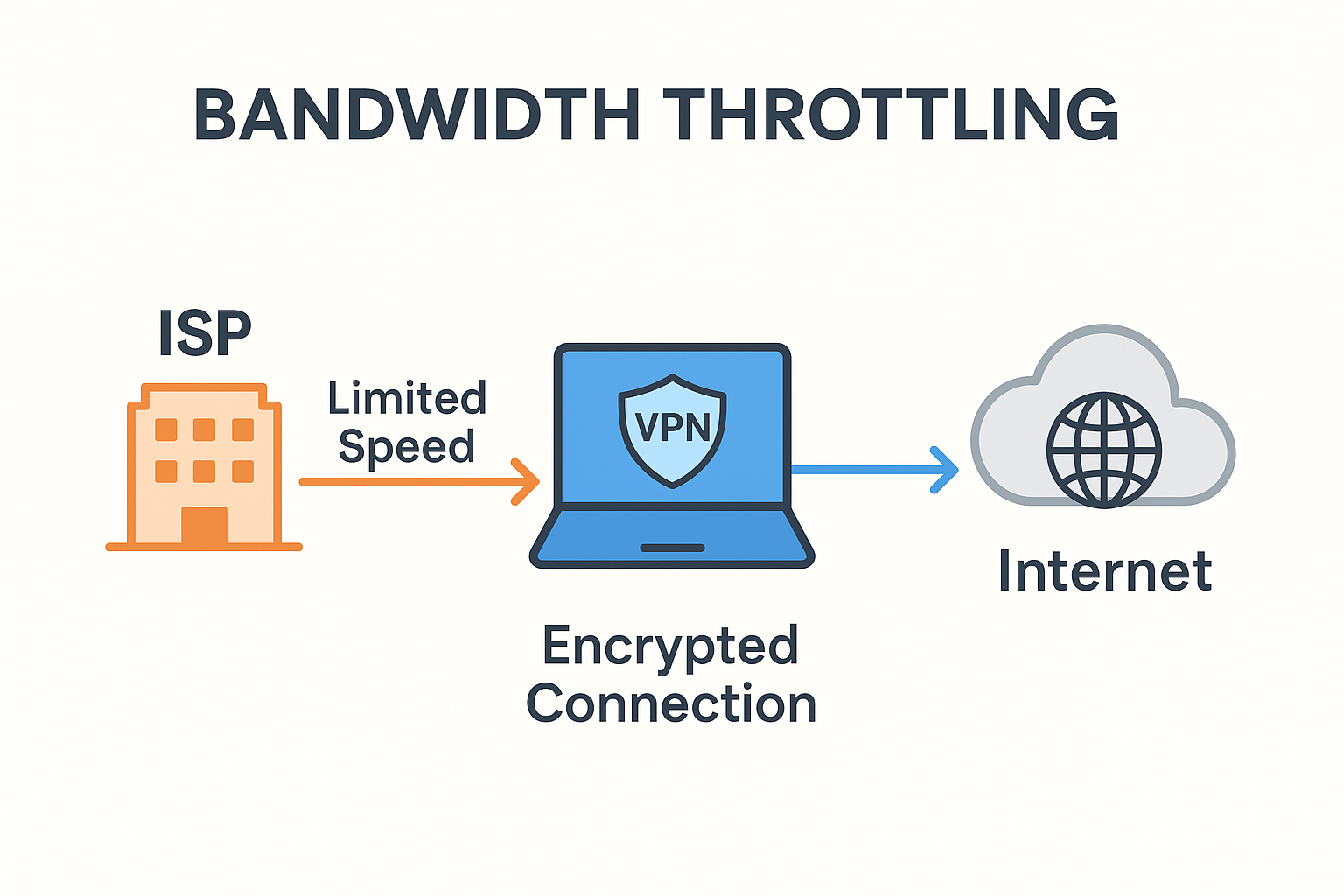
Bandwidth Throttling
Some ISPs slow specific traffic types (e.g., streaming). Because a VPN hides traffic categories inside encryption, selective throttling is harder to apply. (Overall speed can vary by server distance and protocol.)
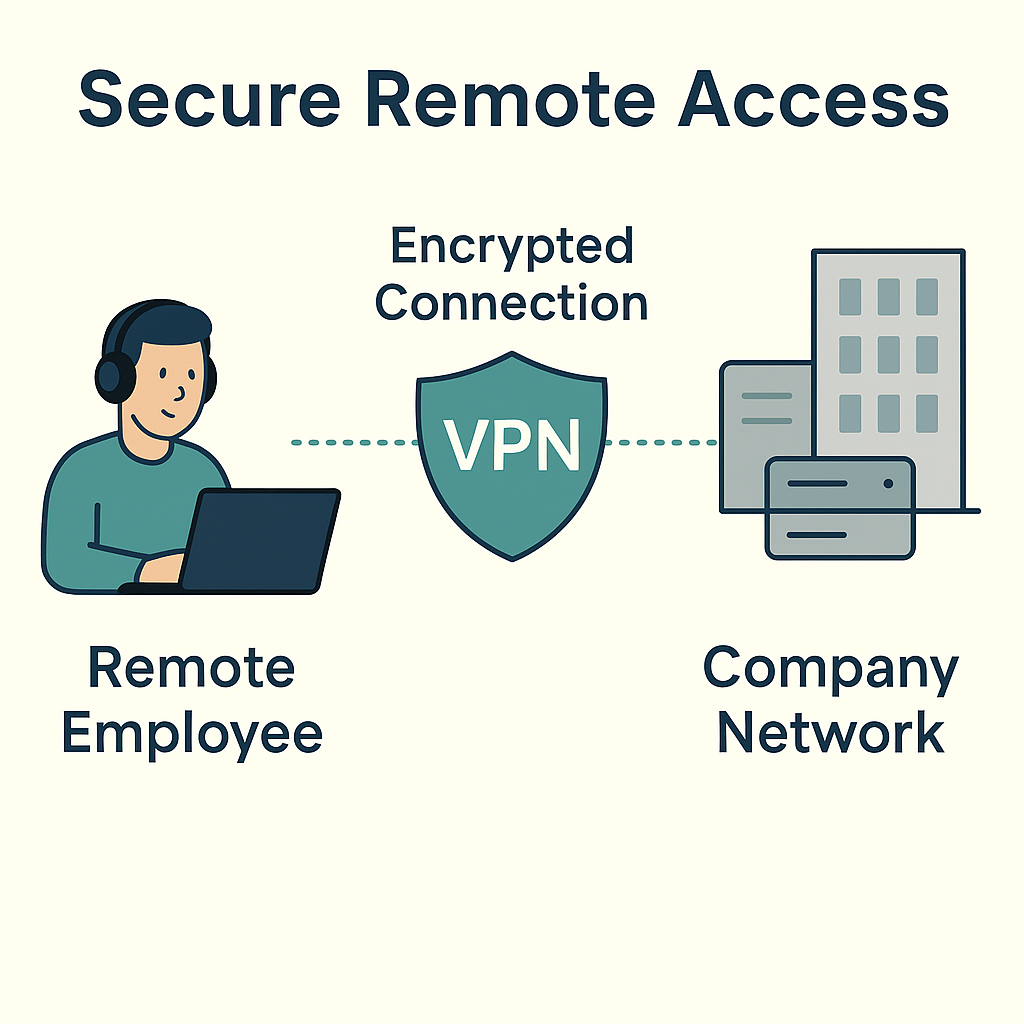
Secure Remote Access
For work, a VPN can provide a safe path into company resources without exposing them to the open internet. If you’re weighing options, here’s a practical look at VPN vs. Remote Desktop speed and when each makes sense.
FAQs About How VPNs Work
Yes. Your ISP can see that you’re connected to a VPN server but not the sites you visit or the data you send, because it’s encrypted inside the tunnel.
In most countries, yes, VPNs are legal privacy tools. Some regions restrict them, so always check local laws.
There can be a small overhead from encryption and routing. Choosing nearby, high-capacity servers and modern protocols minimizes impact.
Absolutely. It encrypts your connection end-to-end to the VPN server, blocking hotspot snoops from reading your traffic.
Most providers support Windows, macOS, Android, iOS, Linux, and even routers so you can protect every device.
Summary
- A VPN creates an encrypted tunnel to a remote server and masks your IP.
- It improves privacy, secures risky Wi-Fi, helps with regional access, and can reduce targeted throttling.
- For a broader overview beyond these diagrams, check out our detailed guide on how VPN works. It explains the mechanics step by step, so you can connect the theory with the practical benefits outlined here.


Read our disclosure page to find out how can you help VPNCentral sustain the editorial team Read more


Improve this guide


User forum
0 messages