
[Fix] You don’t have permission to access https://binge.com.au/ on this server permission.
Bypass server permission errors on Binge today!


 3 min. read
  Updated on

Facing “You don’t have permission to access https://binge.com.au/ on this server.” error on Binge? Fret no more!
This problem can be a nuisance, especially if you have urgent shows to watch. Unfortunately, even scouring the web for a solution yields pure frustration.
I’ve been there before, and luckily, I resolved this issue pretty easily. The solution? Using a Binge-compatible VPN service!
Follow me for the details.
Quick Guide: [Fix] You don’t have permission to access https://binge.com.au/ on this server.
Do the following:
- Subscribe to ExpressVPN.
- Install the VPN.
- Connect to Australia.
- Access Binge.
- Enjoy streaming.
It’s easy, right? But…
Why is Binge showing me the server permission error?
Binge shows the server permission error when using a VPN to escape geo-restrictions. As you know, it serves Australia, forcing outsiders to rely on location-cheating.
This is an inconvenience, especially if you’ve got a subscription but are traveling abroad. Sometimes, the platform throws this error even to locals due to unknown ISP-related issues.
When that happens, the following error page pops up on your screen. The text reads: You don’t have permission to access https://binge.com.au/ on this server.
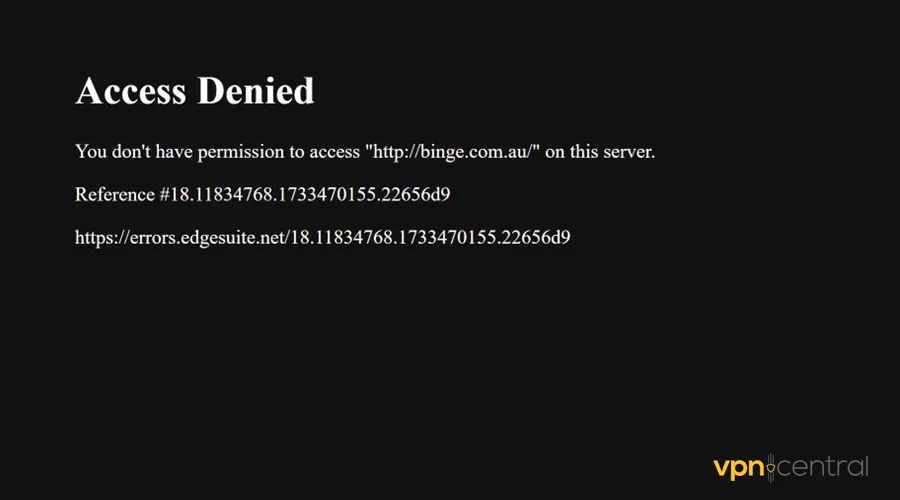
Luckily, you need almost zero effort to circumvent the above error screen. All that’s required is a Binge-compatible VPN.
More details next.
You don’t have permission to access https://binge.com.au/ on this server. – Do the following!
Binge can detect VPNs, thanks to its dependence on Maxmind. The third-party service tracks and records VPN-related IP addresses.
Platforms that use it can accurately point out cheaters hiding behind location circumvention tools. Fortunately, not every system is foolproof.
That’s why I recommend you:
Use ExpressVPN
ExpressVPN comes bundled with 3,000+ obfuscated servers in 110 countries. These are fine-tuned to evade VPN detection while guaranteeing location anonymity.
Its speeds are equally fast, making streaming shows on Binge a breeze. Moreover, it works superbly for on-demand activities like file sharing, bulk downloading, and casual browsing.
ExpressVPN permits eight simultaneous device connections at a go. This option benefits everyone in your household without incurring extra charges.
Here’s how it works:
- Get an ExpressVPN plan of your choice.
- Download the VPN and install it on your device.
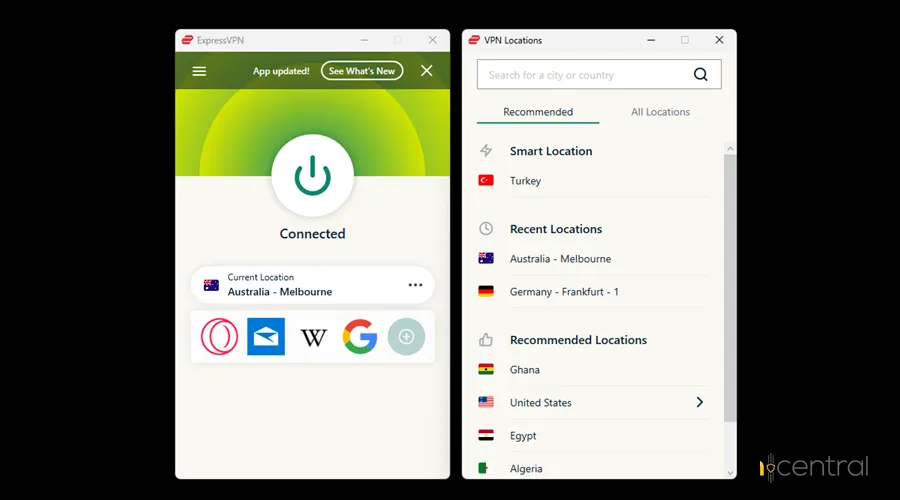
- Run ExpressVPN and connect to Australia.
- Access Binge on your device and log in.
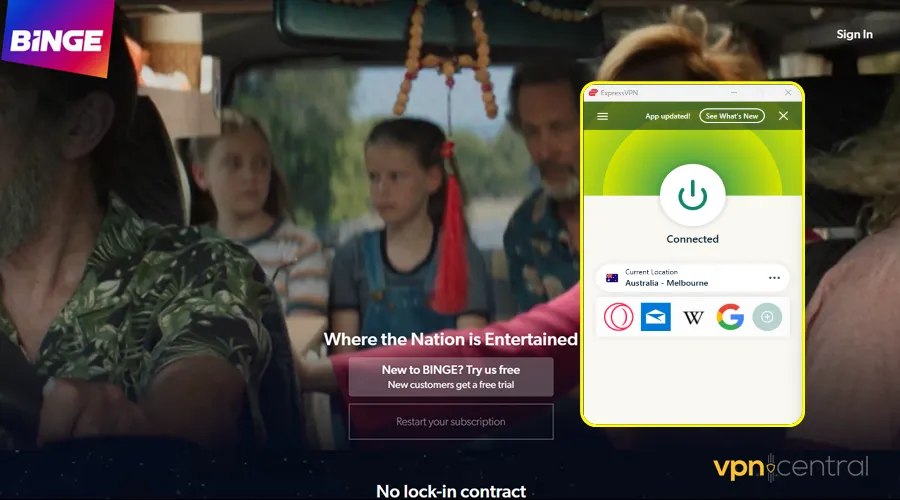
- Start streaming your favorite shows.
It’s that simple!

ExpressVPN
Evade server permission errors on Binge using this stealth-proof VPN service.Wrapping up
Bid goodbye to Binge’s “You don’t have permission to access https://binge.com.au/ on this server.” error. As you’ve seen, the glitch can be fixed by using a reliable VPN.
Ensure the service you pick has obfuscated servers. They’re built specially to circumvent detection when accessing region-restricted services.
That said, I don’t want to retain you here any longer. Follow the given workaround to get Binge working in no time.


Read our disclosure page to find out how can you help VPNCentral sustain the editorial team Read more


Improve this guide


User forum
0 messages